


Both GPS and NTP time protocols return the current time as a UTC value. To ensure the system is set to the correct time, the time zone must be set accordingly.
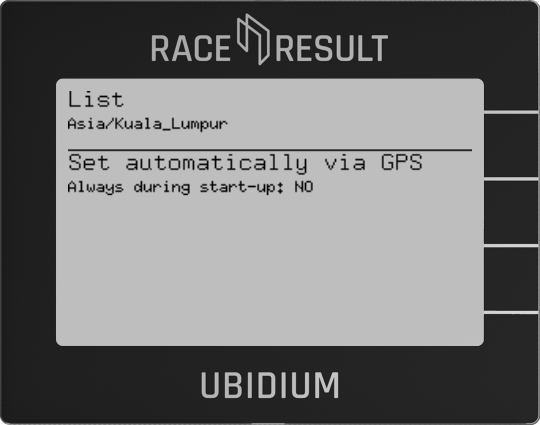
The time zone can be set manually from the list of available time zones, in this list any recently used time zones are displayed at the top of the list and all time zones are then grouped by region or in some cases where individual countries may contain multiple time zones then a group per country.
Alternatively the time zone can be set automatically based on the GPS location of the system, this is only possible when GPS is available, when selecting this option you can also choose to enable this to always set automatically during startup. This option should be used with caution if timing events which may cross timezone borders.