


If you want to print race certificates for your event and/or offer certificates online for participants to download, you need to configure your certificates first. This is done in the Certificates window, first create a layout in the Certificate Tool and then configure the Certificate Sets
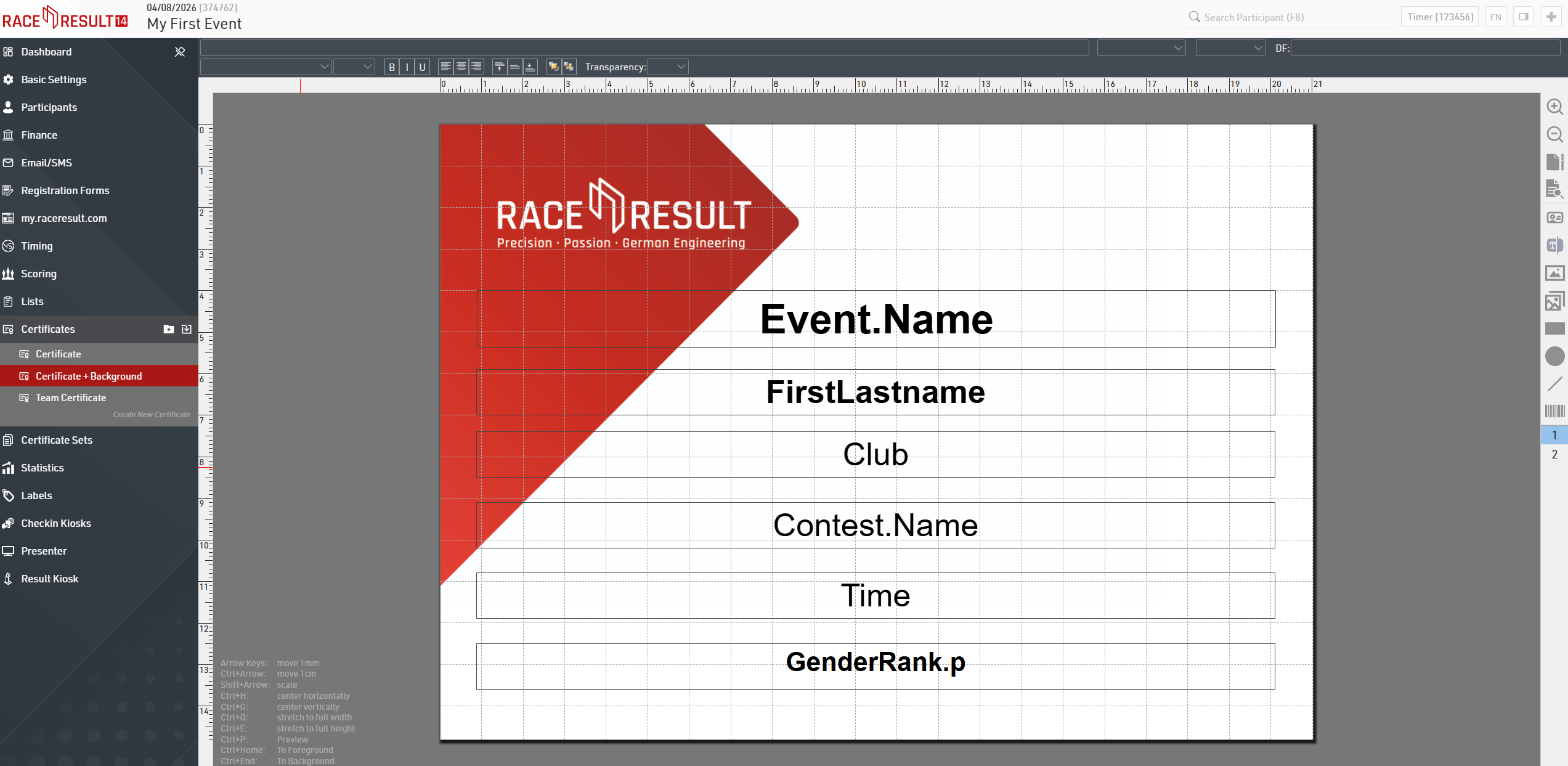
You can choose from three types of pre-defined certificates on the left: Team Certificate, Certificate + Background, and Certificate. The simple and standard Certificate is intended for prints on pre-printed paper. Certificate + Background is intended to contain a background picture and will be offered to participants online for download.
More detailed information about how to create and configure your own certificates can be found here.