


Finisher Certificate

This Finisher certificate was kept simple in terms of the data which has been displayed. But each one is personalised with the individual participants photo. This could be achieved by working with an event photographer who can provide an image URL for each participant, or by using the changelink to allow participants to choose their own photo.
Background Image
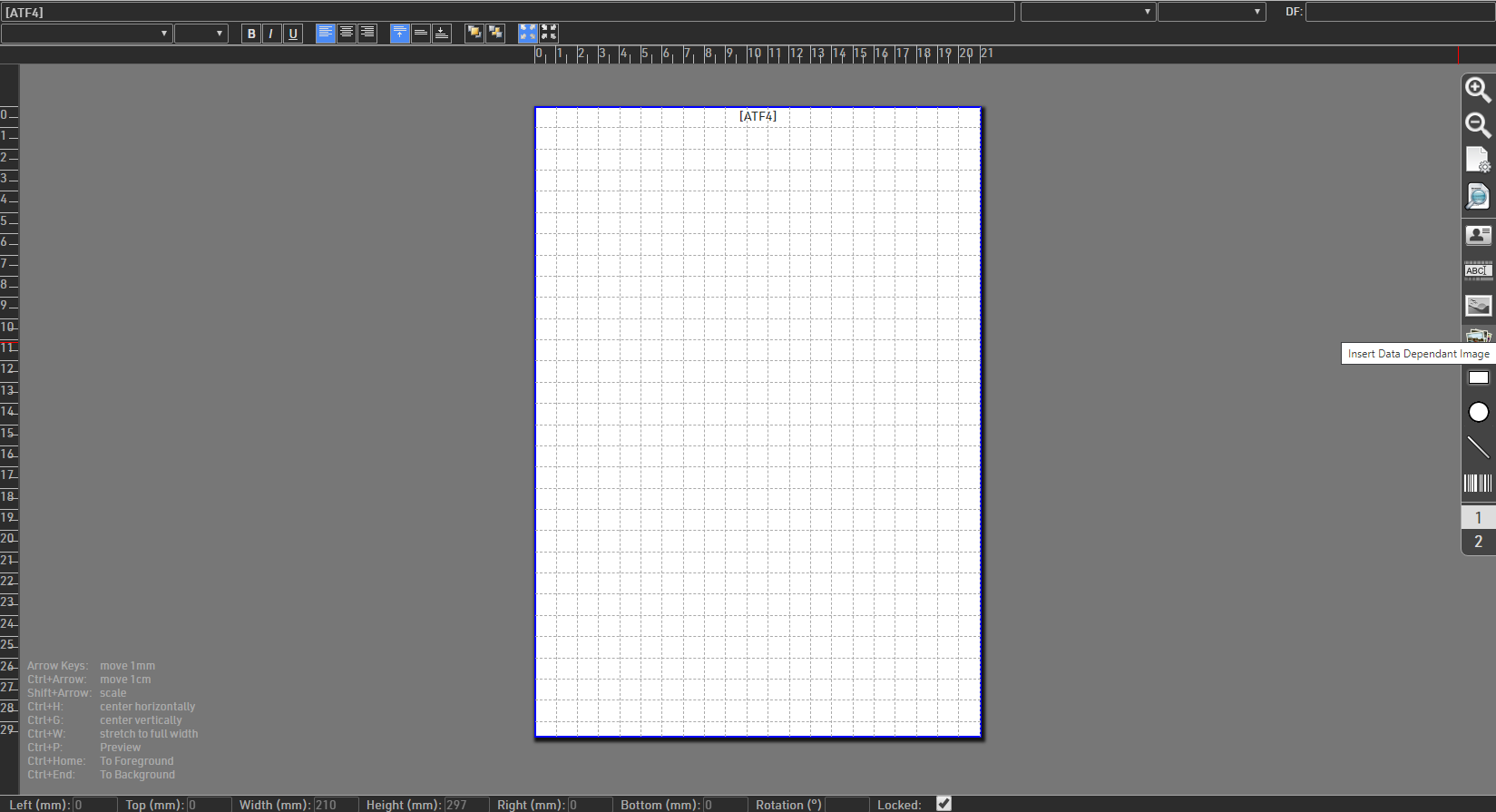
The background images uses a data dependent image, this can use any expression to produce the image name, if stored in the Event File, or the image URL. In this case our image was uploaded to ATF4 via the online self service which produces a URL link, so the data for this image is ATF4. Once sized the background is locked so it cannot accidentally be modified whilst working on the rest of the design.
Event Logo
The event logo was stored in the Event File in 2 versions, with either black or white text. This is entered using the standard image field with the file name.

Text Placeholders
Standard rectangles were inserted spaced to allow a header and the relevant text for each line. The top line was to feature "CONGRATULATIONS" and the participant name, with then each individual leg time shown in the bottom line.
A total of 8 shapes were drawn, the bottom line could have been done with a single white shape behind however by drawing each individually it was easier to ensure the size and spacing was identical for each.

The headers were set to black to make them visible to begin with, but then had dynamic formatting applied according to the gender to change the colour of the boxes to pink for females or blue for males. Since we coloured the boxes black, any participants with no Gender or Atypical would remain black.

Text Fields
Text boxes were created for each coloured box header. This is simple text with the font colour set to white (#ffffff). All text was set to fit the font size to ensure compatibility across different computers which may have different fonts installed.

Data Fields
Data Fields were inserted for each field shown, again each set to Fit to ensure display compatability.

For the name, we used an expression to also append " - New PB" if their finish time was better than their previously recorded personal best.
This used an If statement to compare the time in their Finish Result, DecimalTime, to the time in the text field PB, since text fields are stored as text, we had to use the function TimeFromString() to compare the 2 times.
[DisplayName] & If([DecimalTime]<TimeFromString([PB]);" - New PB!";)
Since name lengths can vary and also the additional PB text, the font was particularly important to set to Fit this makes the font the maximum size which will fit inside the specified area. This ensures that names always fit inside the text box regardless of length.

Leg times use the standard Leg fields from the Splits setup.
The final data field shown was the Finish Time, Time.

The text was set to white, and we also applied an outline with width 0.5 and colour black (#000000), this helps to ensure the text would stand out regardless of what was behind. Without the outline the text could be lost on the background.
