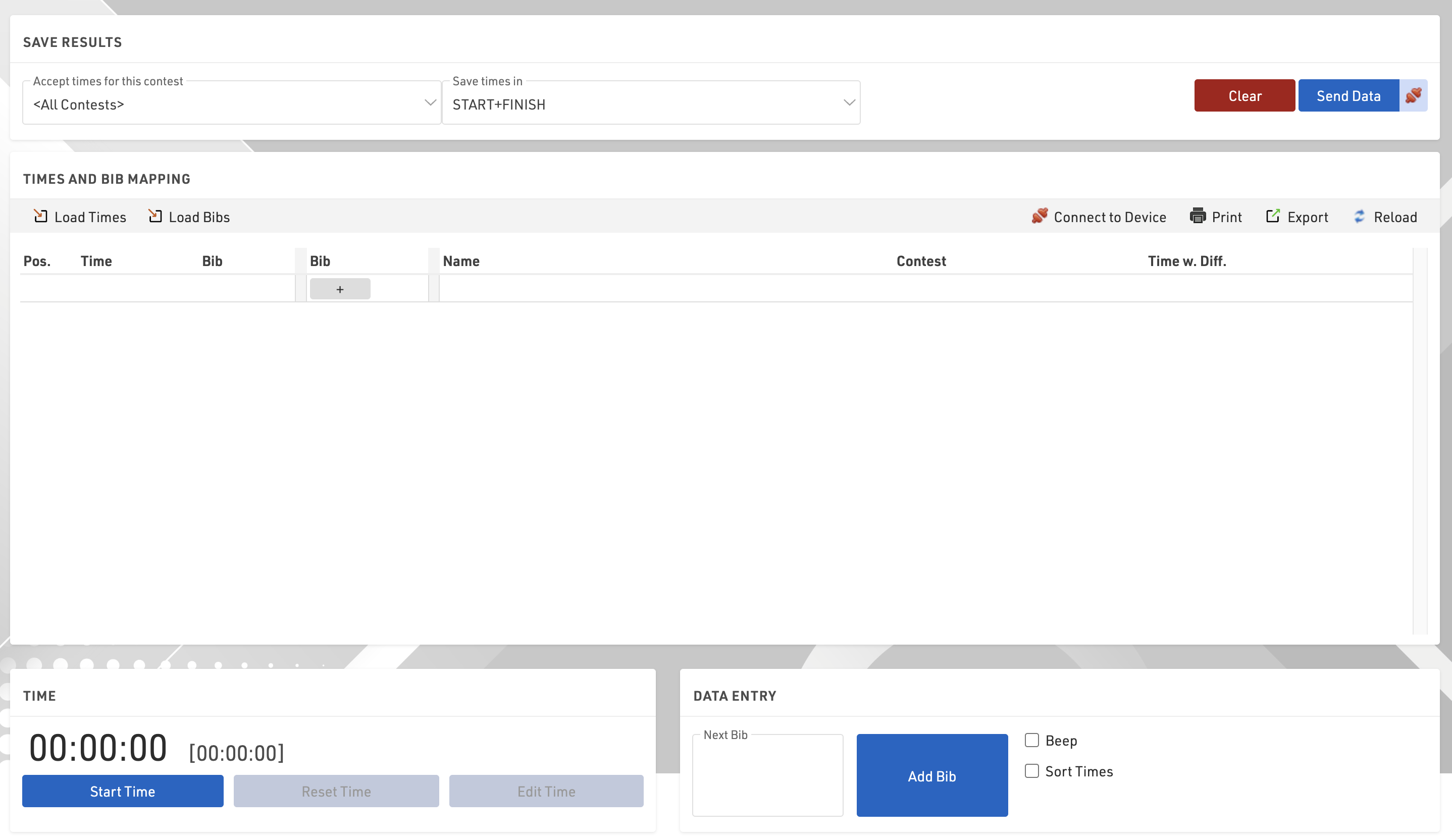
When loading the Manual Timing module there are some initial options to set.
- Accept times for this contest: Choose whether times should be accepted for a single contest only or for all contests
- Save times in: This setting to select a timing point or result only shows if you have more than one timing point or static result, otherwise times will be saved in the only available option.
Time
Time is not set or started when opening, you can Start Time as running time, or once started click Edit Time to open additional options.
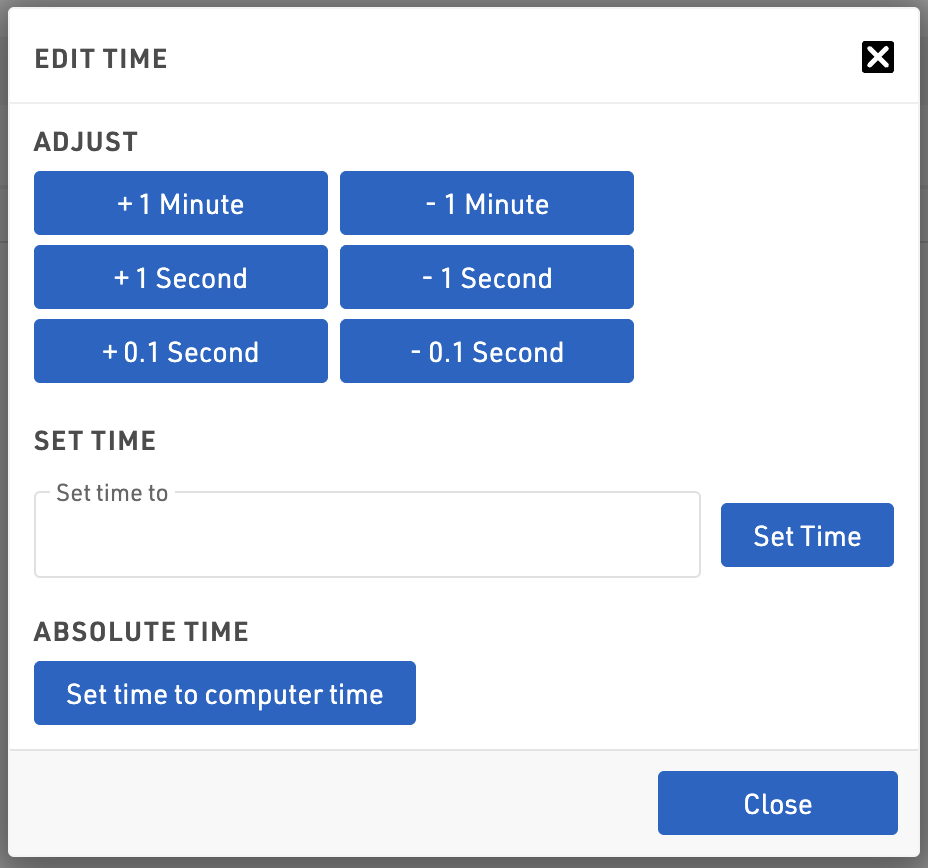
From here you can adjust the time in small increments, set the time to a certain time or set to computer time. Click the Black X to close the dialog.
Send Data
The manual timing module does not send data directly to your event file automatically, clicking Send Data will send the currently recorded data, or clicking the connection symbol next to this will activate live forwarding where all data is then automatically sent to the event file as it's recorded.