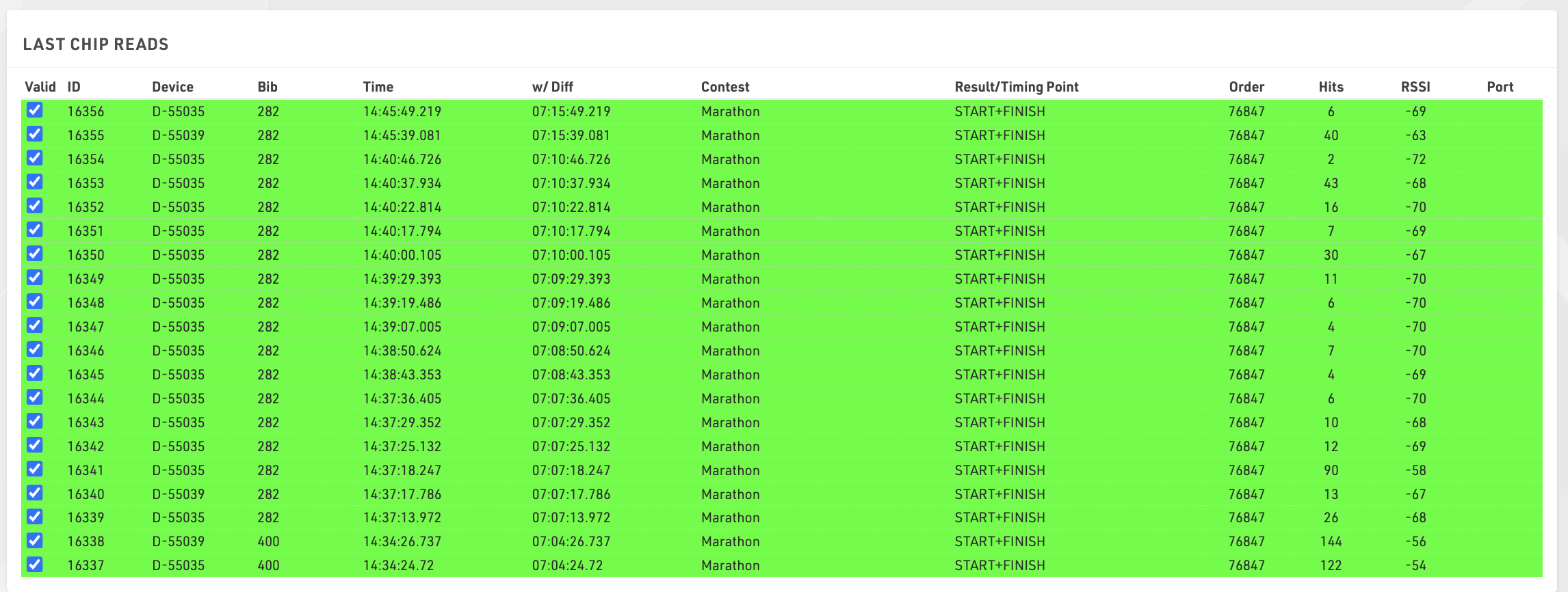
The Chip Timing view gives a compact view of your connected systems and some basic settings for timing the event.
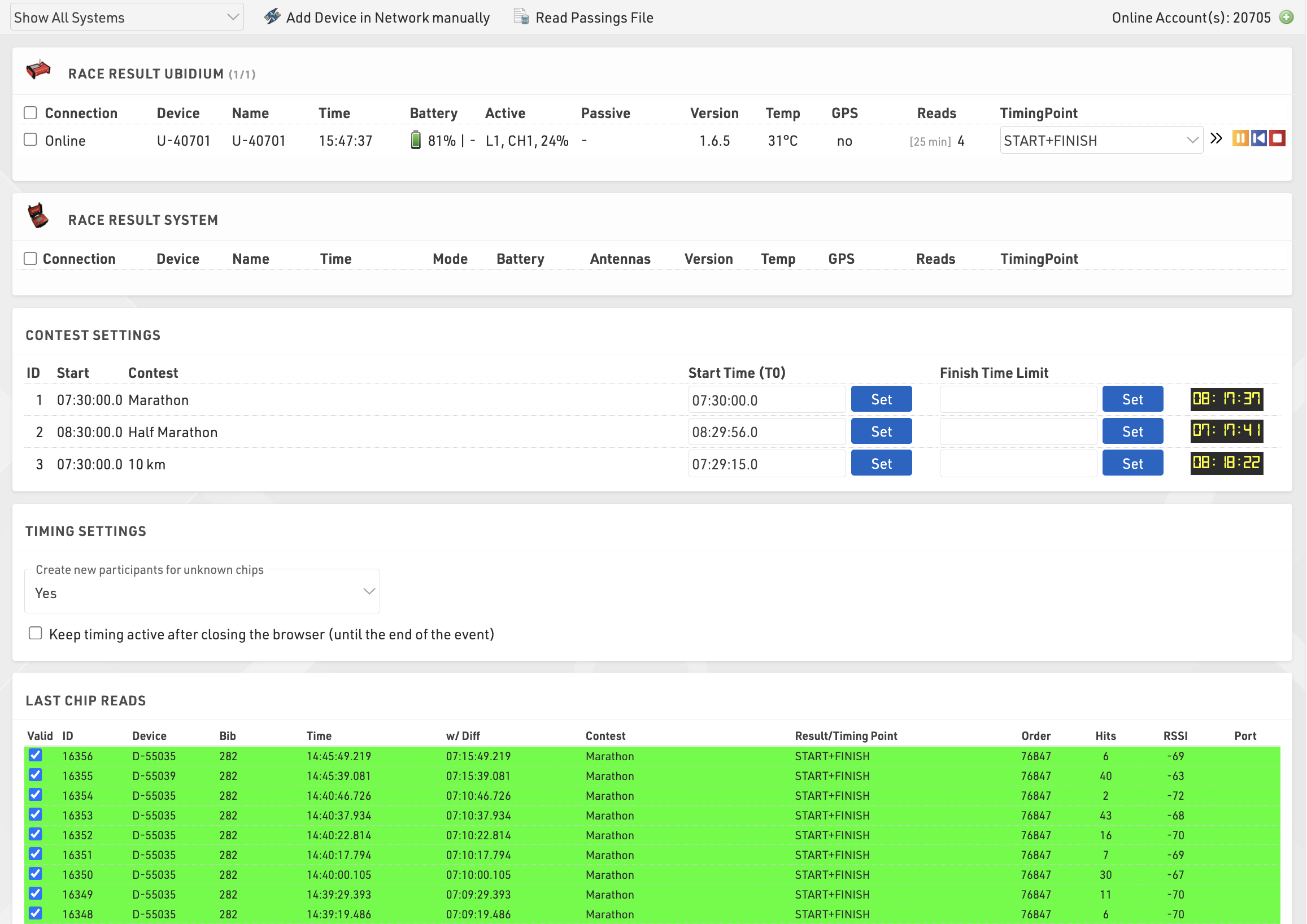
Any available devices (via your local network or online) are listed automatically, grouped by device type, a window is always shown for both RACE RESULT Ubidium and RACE RESULT System, additional device types will be shown if available either locally or online.
Systems can be filtered to show only those to which you are Connected or those within a certain distance based on the Basic Settings and the system GPS location.
Critical information about your systems is displayed here including connection, location, device name, device time, device mode, battery remaining and information about your antennas or loop settings, clicking on a Device ID will also open the System Control window with additional control settings and functions for the system.
If the system is reporting an error then the erroneous element may be shown in red to highlight any potential errors, errors will be cleared once acknowledged or cleared on the system.


If you are timing using RACE RESULT online and wish to connect to a locally networked Ubidium, Decoder, or USB Timing Box you will need to run the RACE RESULT Web Server on your computer as this will create the connection between the browser and your local devices.
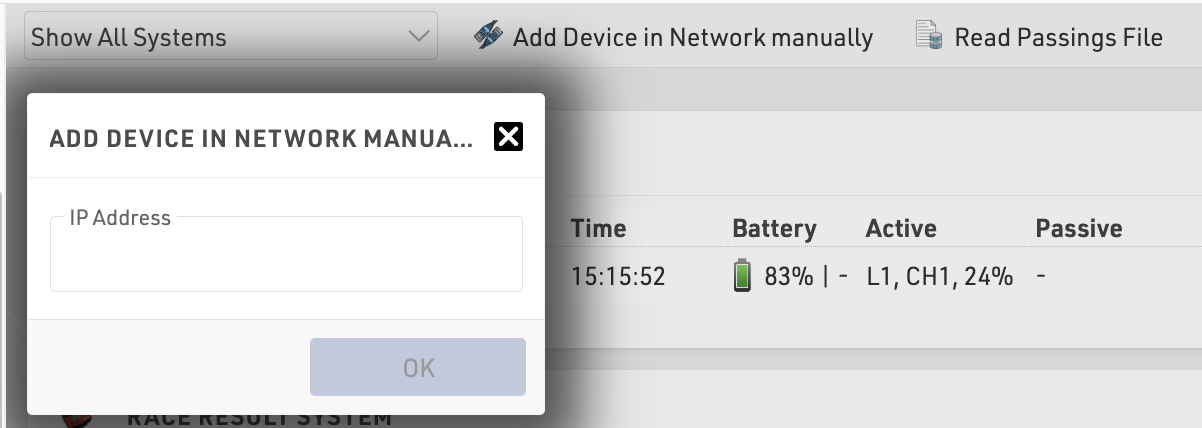
If your locally connected system is not shown you can press Add Device in Network Manually in the top right corner to connect via the IP address of your timing system.
Passings files from systems can also be read in manually, see the below article for more information on how to obtain and handle the passings files.
The chip timing view also has a window of the last chip reads which will automatically populate with the latest times received from all systems, the information shown is the standard columns from the Chip Reads screen.