How to add in support for exporting series results for NICA regionals
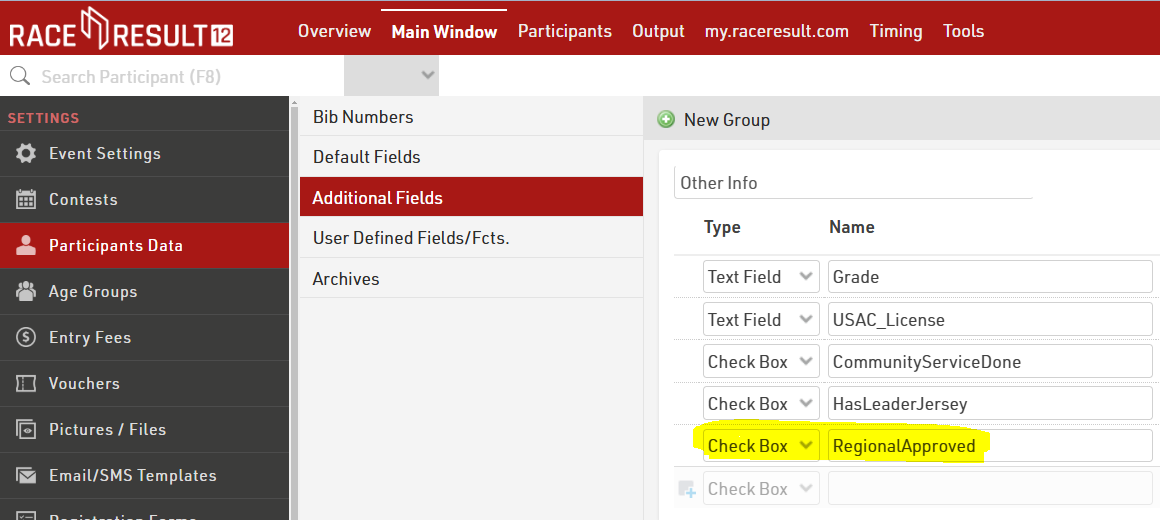
- Main Window > Participant Data > Additional Fields
- Add new field called RegionalApproved in the Other Info grouping.
- Make sure the Type is set to Check Box.
- Main Window > Rankings
- Add new ranking called RegionalSeriesRank

- Import the attached List under Output.
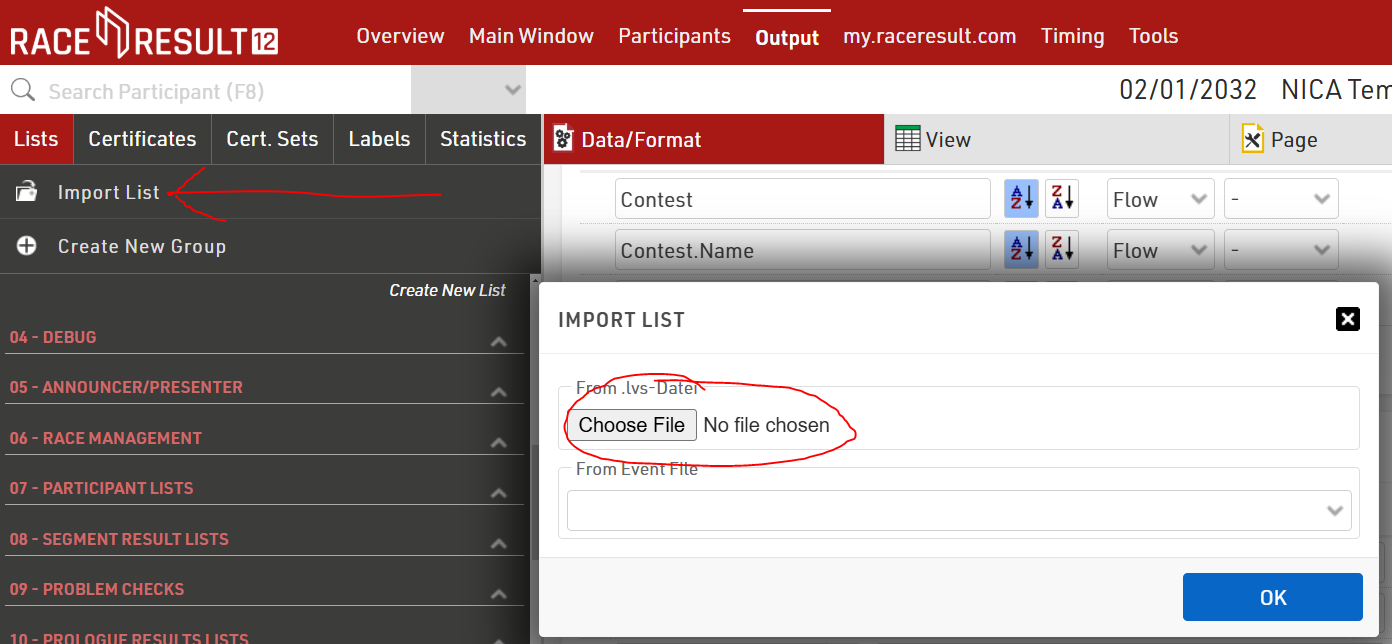
- Select Data/Format for the imported list, Regionals Export.
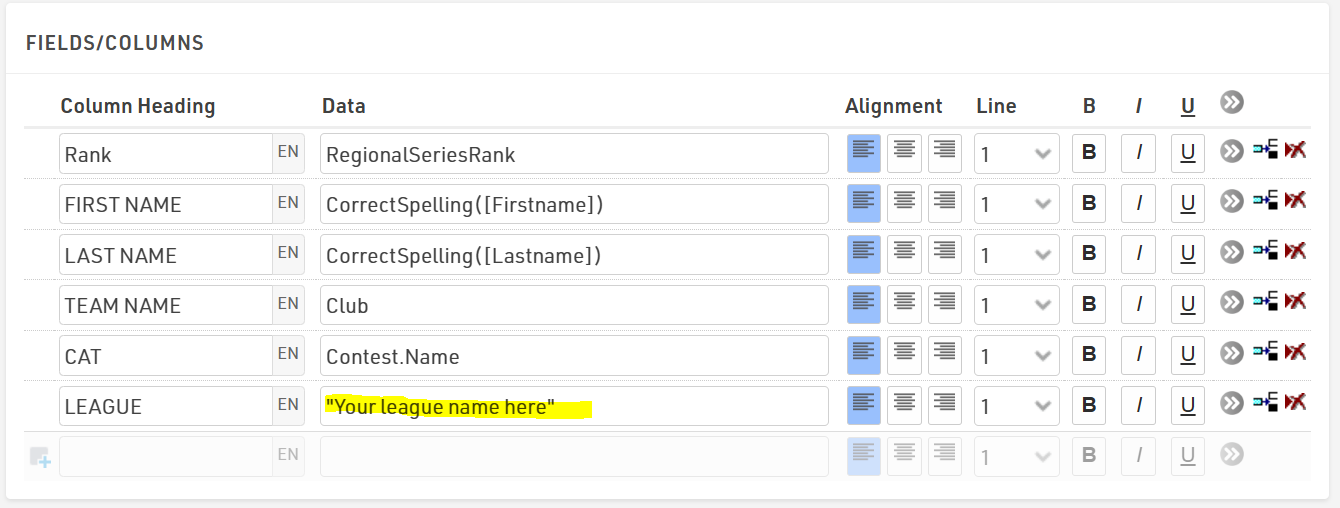
- Update the League column to include your league name.