


A single connector is used to connect the Ubidium Ground Antenna to the Expansion Port of the Ubidium System.
It is recommended to only connect or disconnect the Ground Antenna when the Ubidium System is powered off.
To connect the Ground Antenna to the Ubidium System, first open the rubber port cover from the Expansion Port and align the red marker on the outer sleeve of the connector with the red marker on the Expansion Port. This will also align the guide pins on the metal sleeve of the connector.
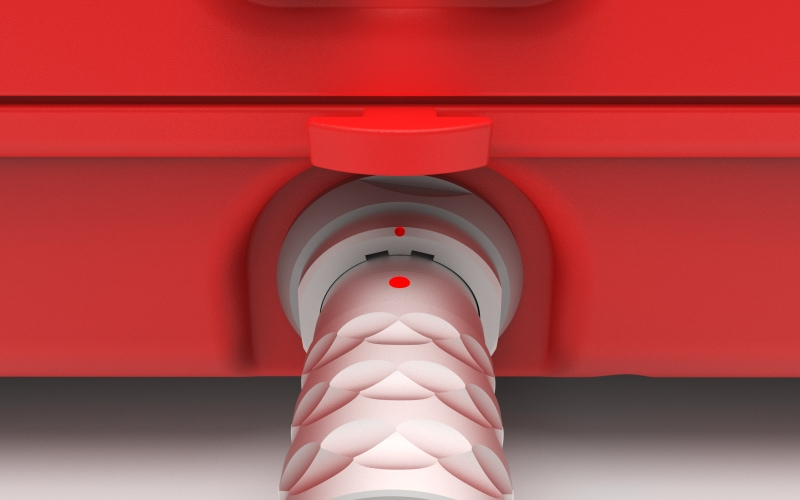
Firmly push the connector in until it clicks in to place, if the connector is correctly inserted it should not be loose inside the Expansion Port.
To remove the Ground Antenna Connector from the system pull on the ridged section of the outer metal sleeve which will release the catch, allowing you to completely remove the connector.
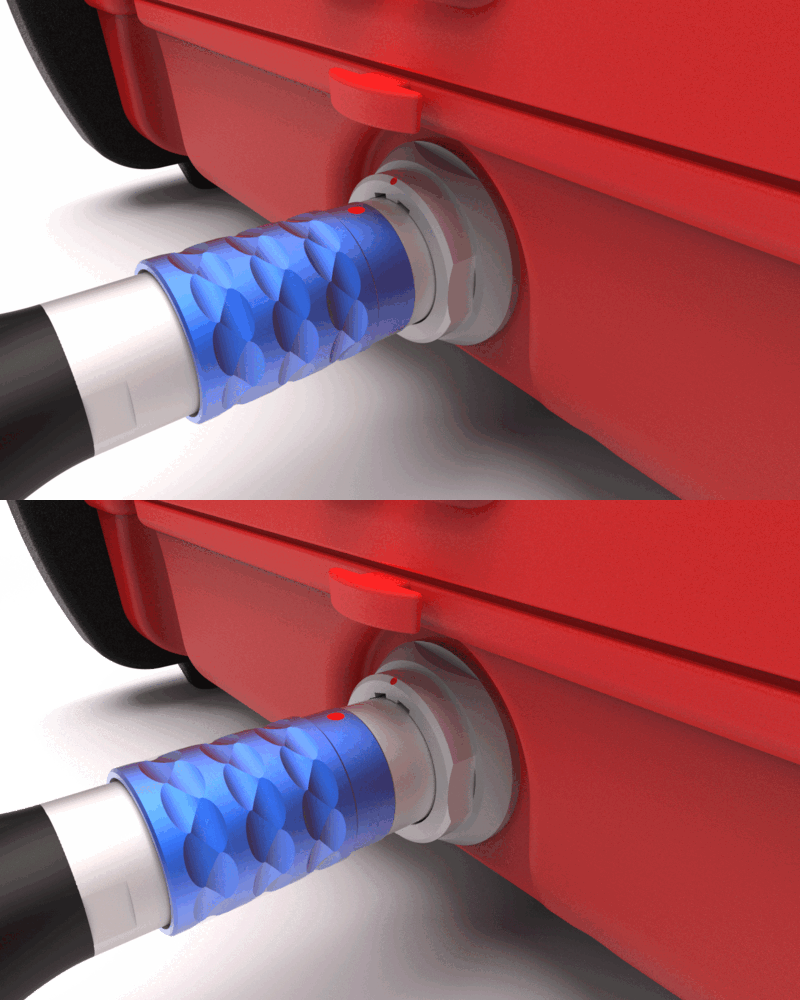
You should always push and pull the connector straight in or out, and at no point should you attempt to twist the connector inside the Expansion Port as this may damage the internal pins.