


Ubidium contains an onboard Wi-Fi module which can be used to operate the system as either a Client (connect to an existing network) or Access Point (broadcast a new Wi-Fi network).
When connected as a client the system can connect to the internet via the Wi-Fi connection if available, but the access point mode will not share any internet connection, it will only create a local area network.
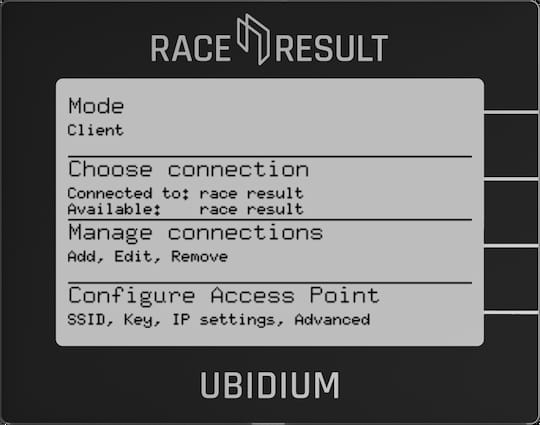
Mode
Switch the Wi-Fi between Client Mode, Access Point or Off.
Choose Connection
When in client mode, select which network to connect to, networks should first be setup using Manage Connections.
The currently connected network, and currently available configured networks will be listed under the menu header.
When in Access Point mode the name of the Access Point will be shown as connected to.