


Events
The Event menu in RACE RESULT 14 is used to access your event files or create new ones, when working offline not all menu options will be accessible. Your most recently opened events will be shown first, or browse your last (recent), next (upcoming), or all events. Using the search bar will search across all events.
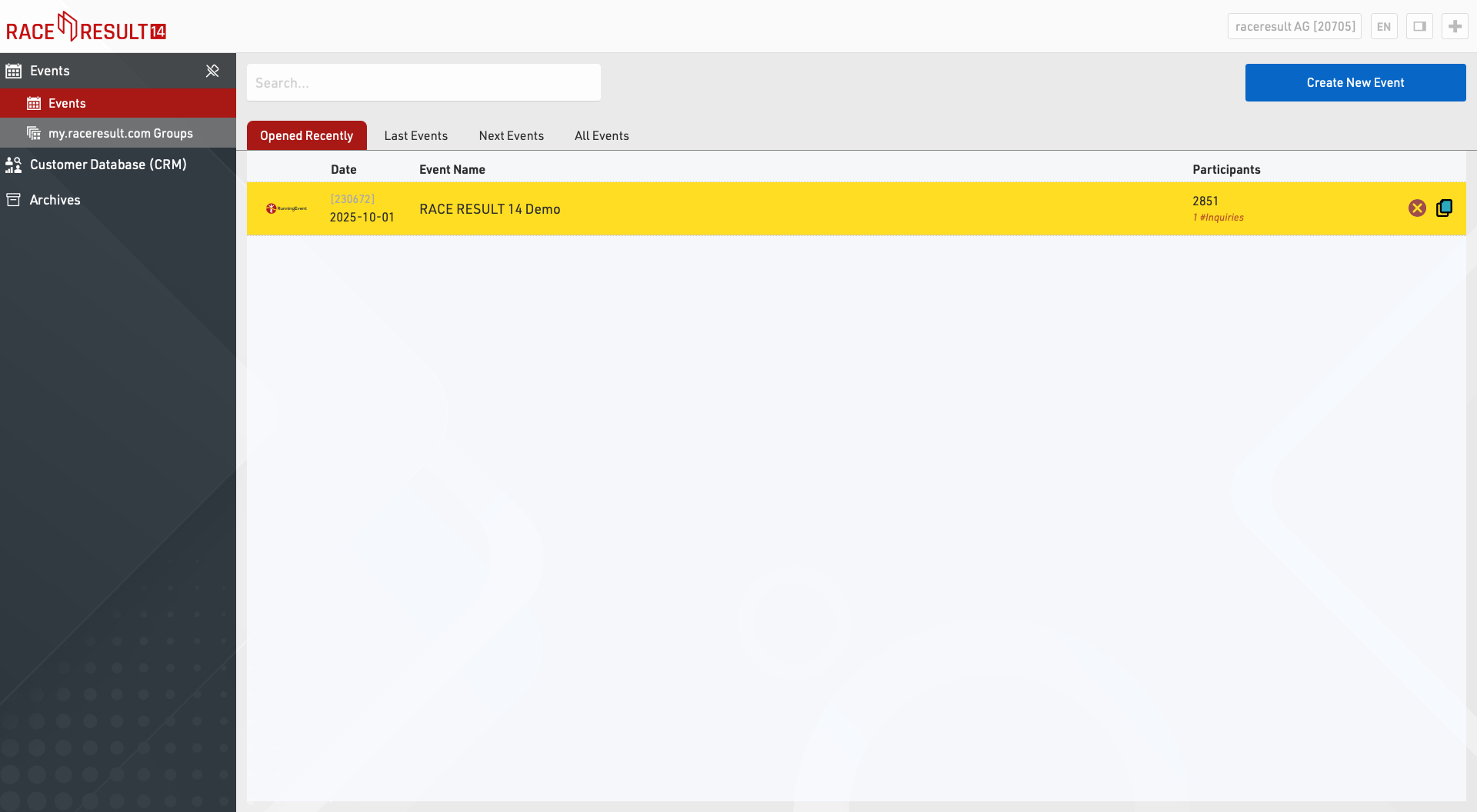
To create a new event, click on the button Create New Event, enter event name and date, select a template and click on Create (This function is only available when working online).
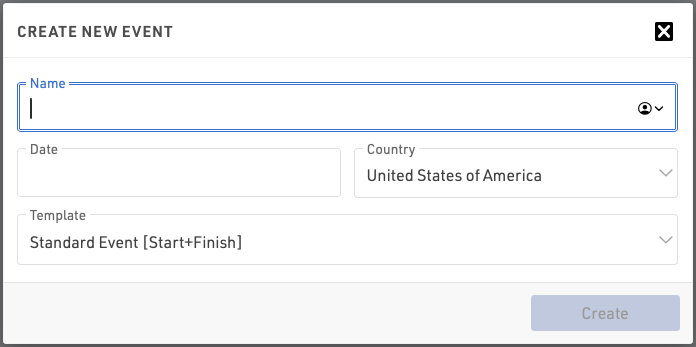
Offline, new event files can be created in the RACE RESULT Web Server).
To copy an event click the copy icon in the row of the original event to be copied.
To delete an event, click on the delete icon on the right (only available when working online). When deleting an event you will be asked for your login password (belonging to your customer number).
Participants Search
Using the Participants Search function you can search for participants across all your event files.
Event Groups
Event Groups is used to sort your events on my.raceresult.com into the different categories displayed. You can find more info in the Groups article.
Customer Analysis
The Customer Data Base (CRM) gives you valuable insights who your participants (customers) actually are, where and how often they race and where they are from.