


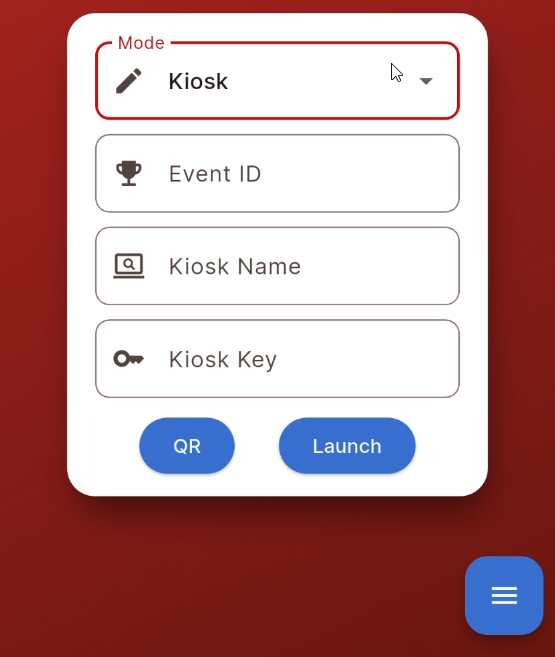
Checkin Kiosks, Registration Forms and Presenter Screens do not require you to be logged in to RACE RESULT 14, they can be accessed either by scanning the kiosk QR code (accessible from the setup screen) or by using the URL which contains a unique, secure key to authenticate the kiosk for the event.
There are 3 fields required for direct access
- Event ID
- Kiosk Name
- Secret Key
These should be entered as shown in RACE RESULT 14, the key can be found in the URL of the corresponding item.
You can also easily generate your own QR code for access by simply creating a QR code with the kiosk URL.