


The participant view will be opened in the right panel when selecting a participant from the main Participants view table or clicking a participant record in a List.
The General tab shows all the participant data fields being used, you can configure the default fields in the participants data settings, all additional fields will be shown within a table for each group.
Additional tabs contain other specific data sets.
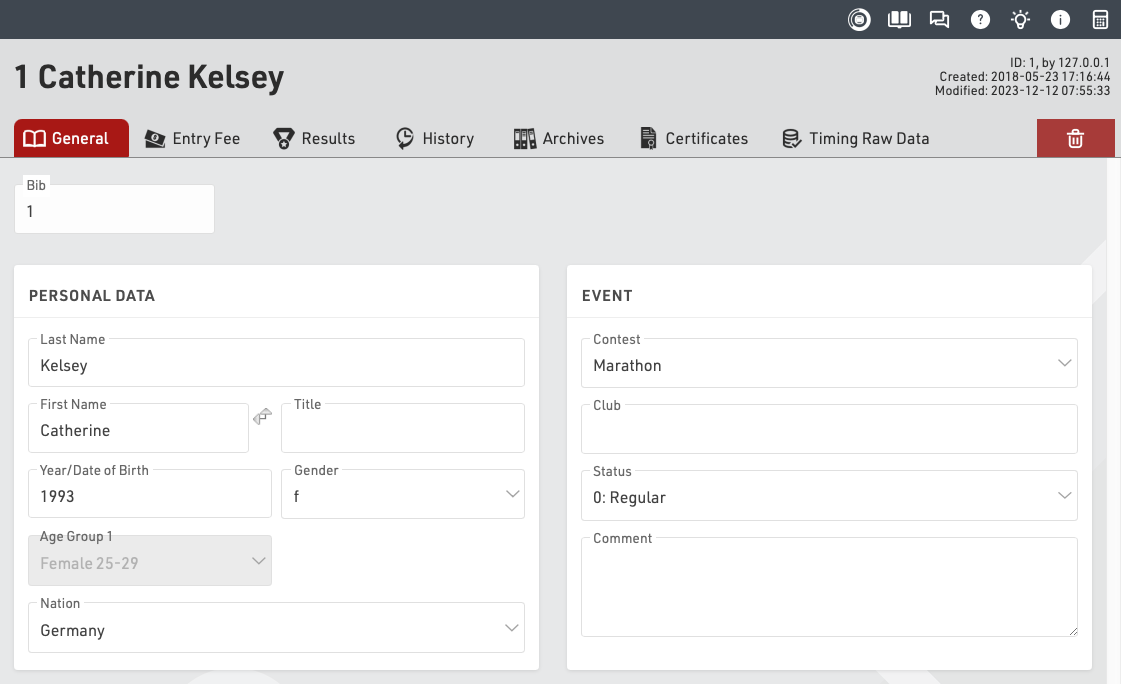
The top right of the participants view shows the unique Participant ID, and information about when the participant was last created and modified and which user or process created the participant.
Clicking the delete icon will permanently delete the participant record - this cannot be undone.