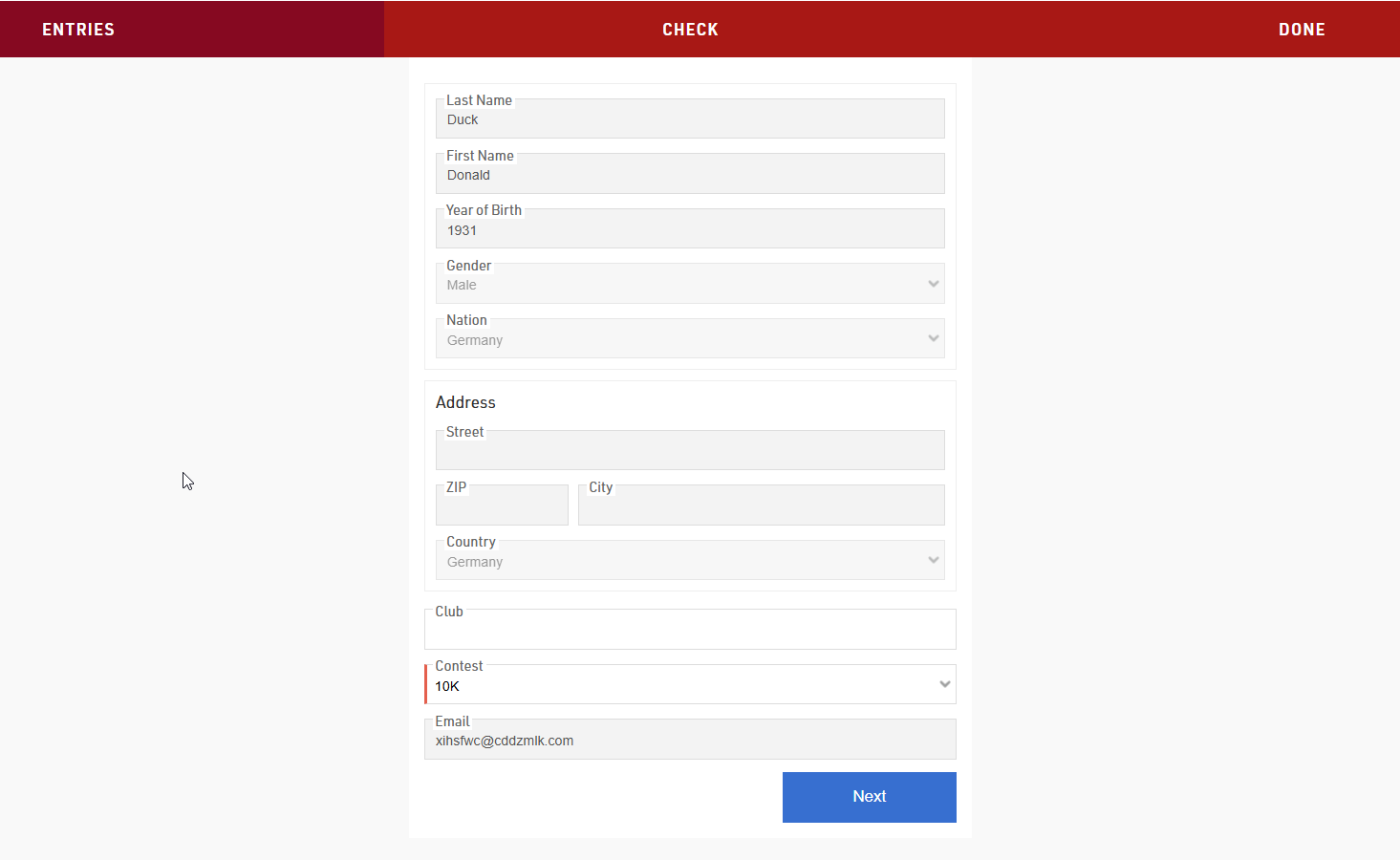
It is often useful that participants are able to change their own data online. For this you can provide participants a unique individual link to a Self Service form (What is a Self Service form?) where they can adapt their data.
Registration Form Setup
The form is setup as a Registration Form, create a new form and select the type Single Self Service.

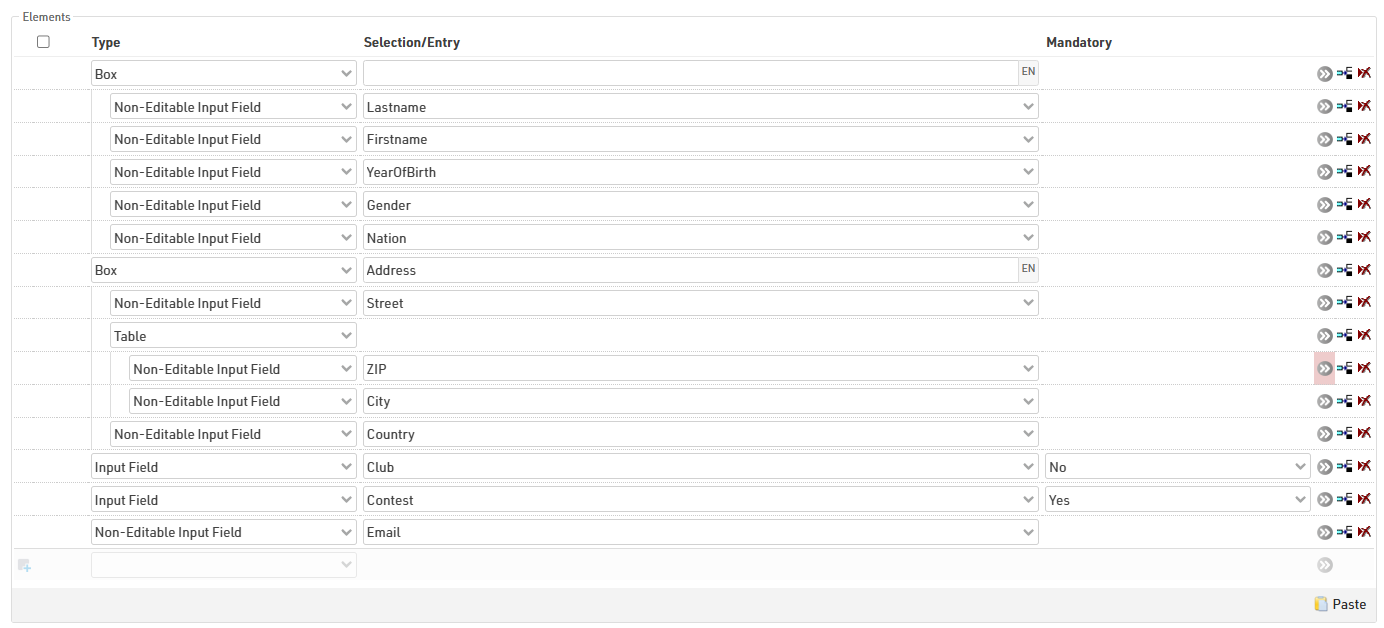
The form type Self Service allows a special element type in the formfields:

This field type is used to show pre-existing data which should not be editable. For example in this case the participant would only be allowed to change his contest or the club name, as these fields are still set as Input Fields.
The URL to the participant's personal Self Service form is generated using the Changelink() function, this can be sent in an e-mail template, to see how check our Knowledge Base guide on Adding a URL-Link for a Self Service form in an Email template.
When the participant opens the Self Service form via the link he received through the Email, he will see his pre-entered data and be able to adapt the data that is editable for him.