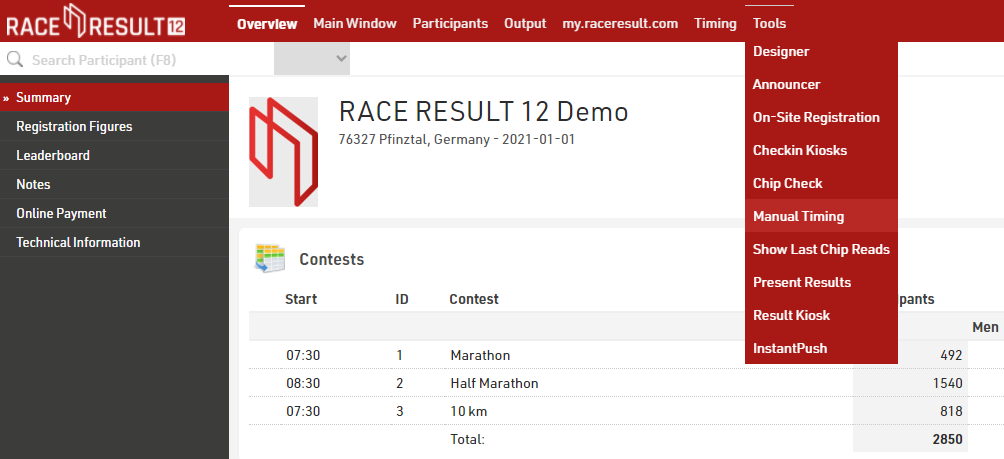
The Tool for Manual Timing can be found in RACE RESULT 12 in the Tools menu:
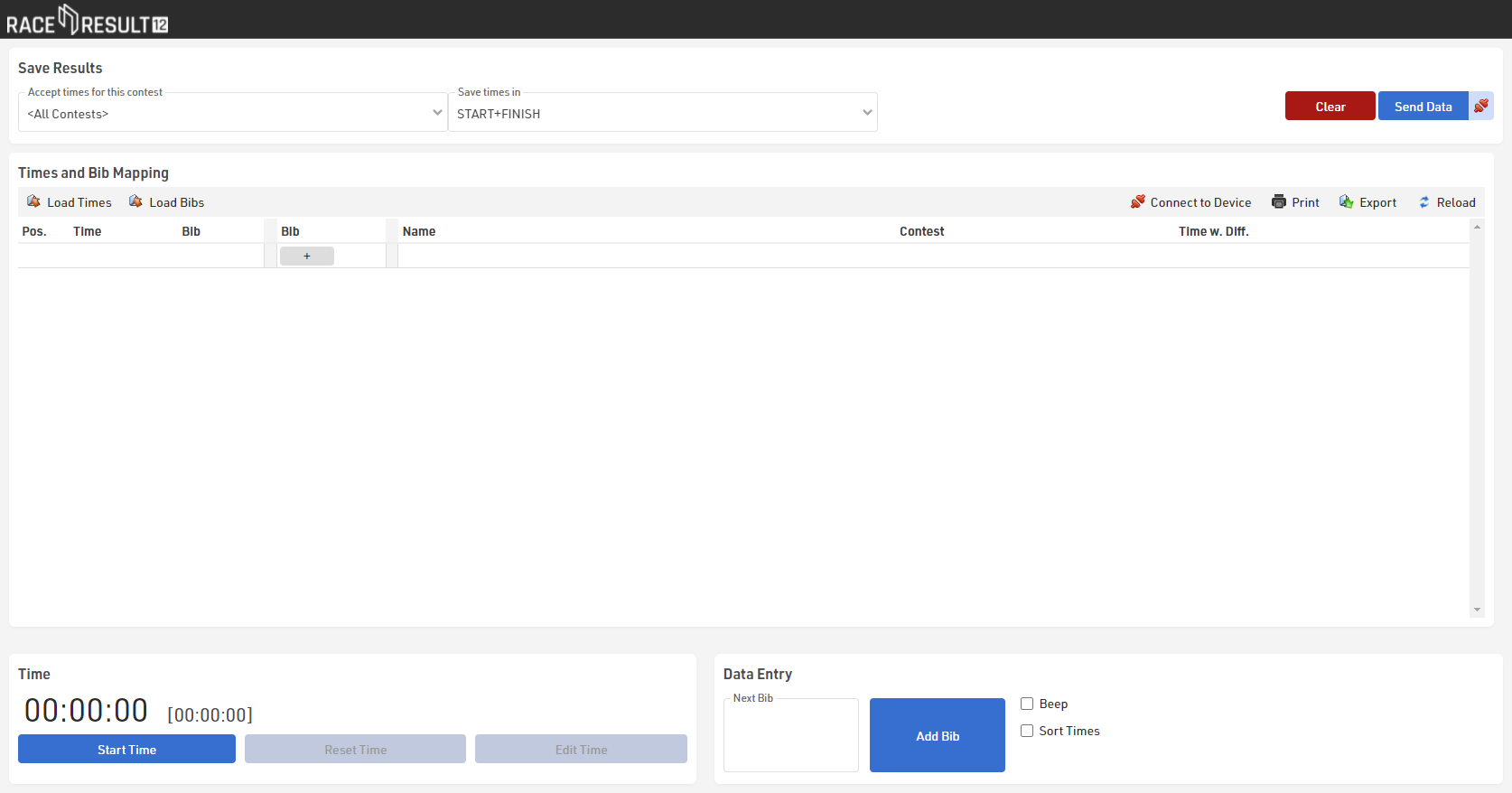
Start the time with the gun start by clicking the button in the bottom left corner. In case you missed the start, you can adapt the time afterward by clicking the button Edit Time.
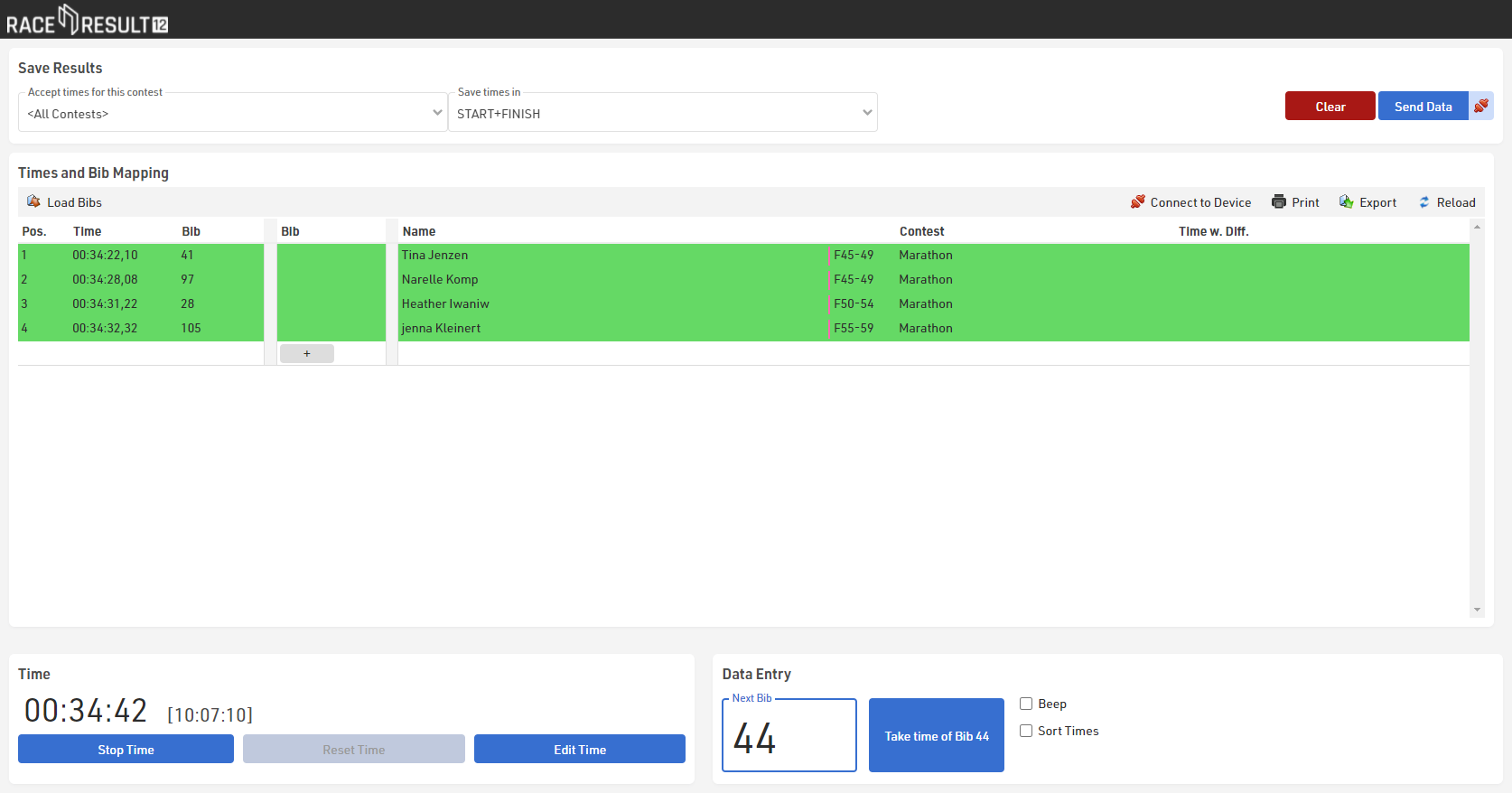
Next, set the cursor in the field Next Bib, enter the bib number of the first participant approaching the finish line and press enter when they cross the line. The participants will be listed immediately in the table above:
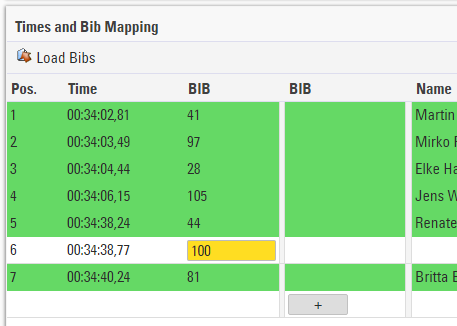
In case you cannot enter the bib number (too many participants finishing at the same time, bib number worn on the back, etc.), you can take the time without entering the bib by pressing Enter. You can enter the bib later in the table above: