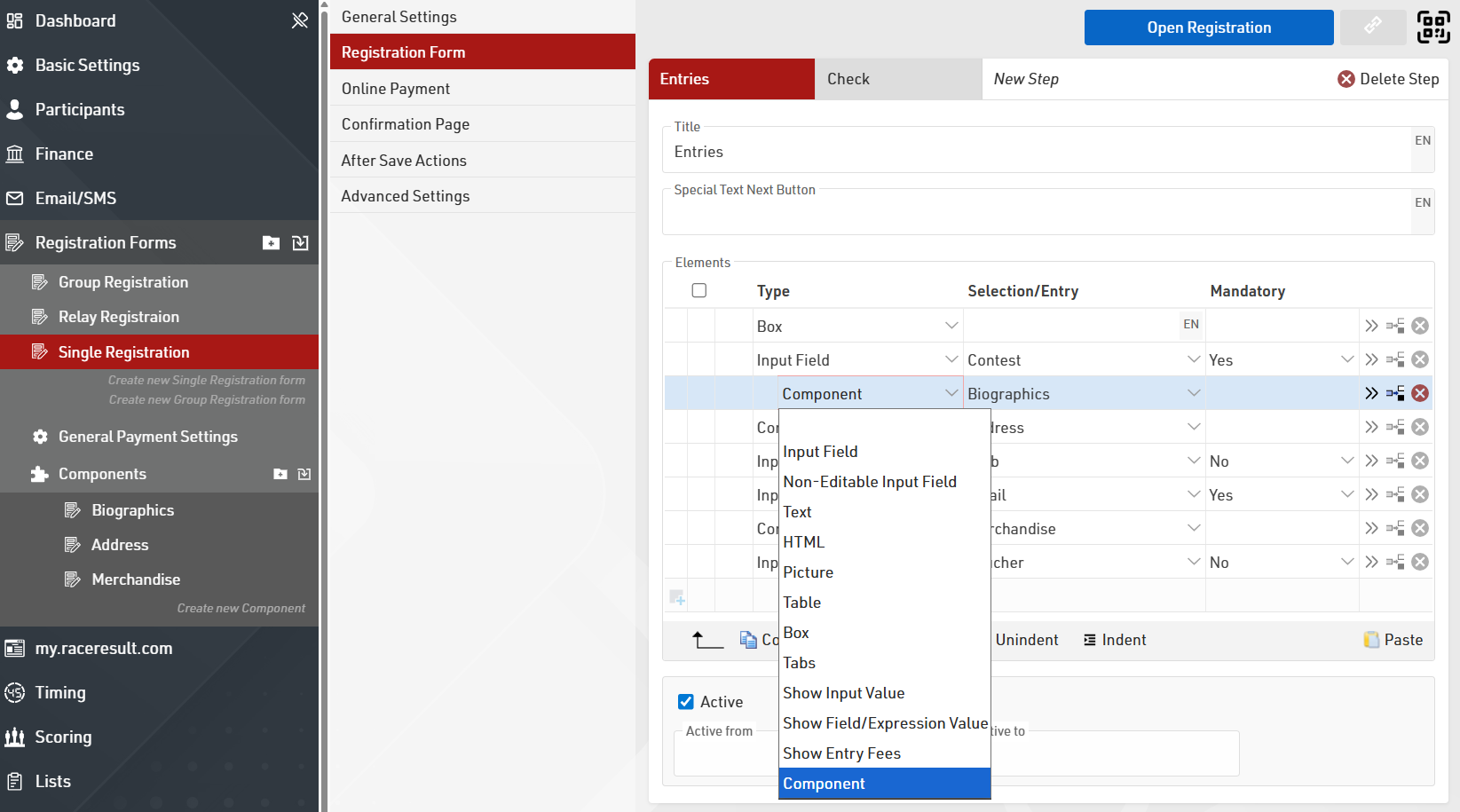
Registration Components are reusable groups of registration form elements that you define once in a central location to be used across multiple registration forms. If you have multiple registration forms, any changes may require updates to each registration form. With components, you only make a change once. That update is applied across every registration form using that component.
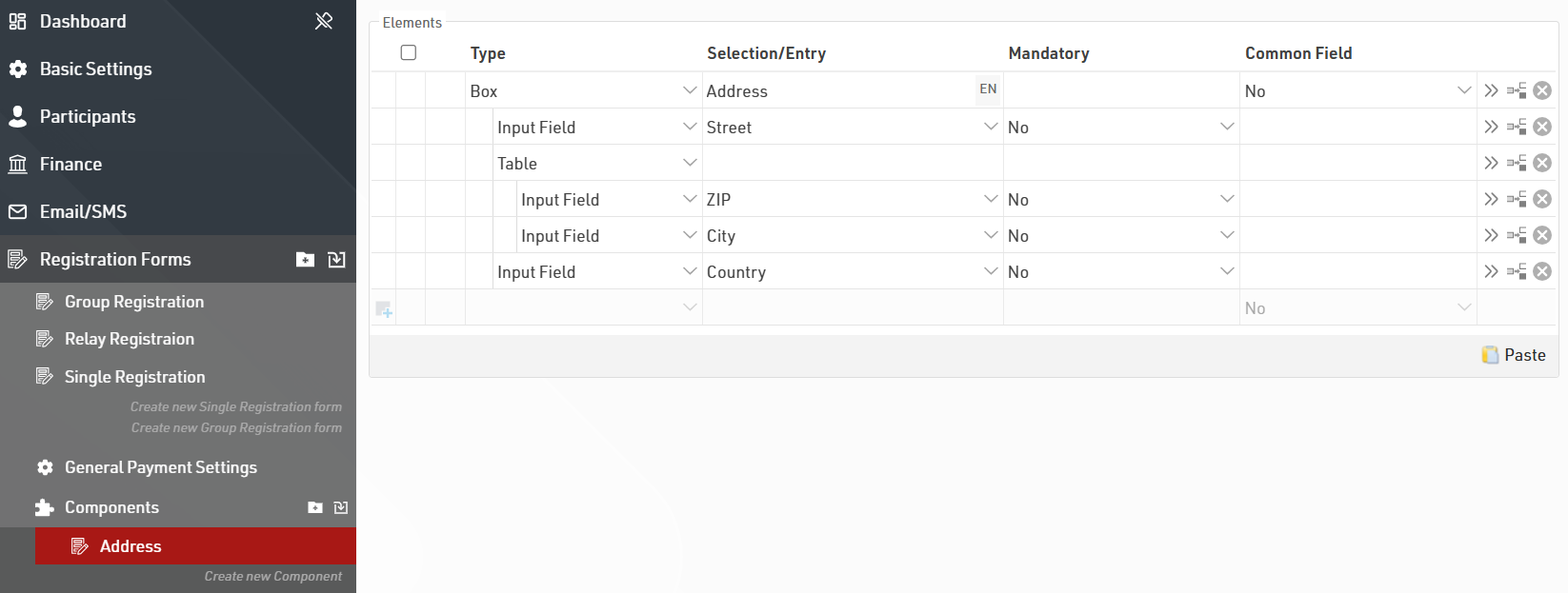
Important Considerations
-
Nesting: You can place components inside other components (up to 10 levels deep).
-
Circular References: Avoid creating "loops" where component A contains component B, and component B contains component A. This will result in an error.
-
Capacity Management: For items with limited quantities, updating the "Max Capacity" within the component will update the limit for every form where that component appears.
-
Import / Export: Components can be imported from a file or other events in your account. If importing components with nesting you must import all the nested components.
Once a component is set up it can be added to a registration form the same manner as any other element.