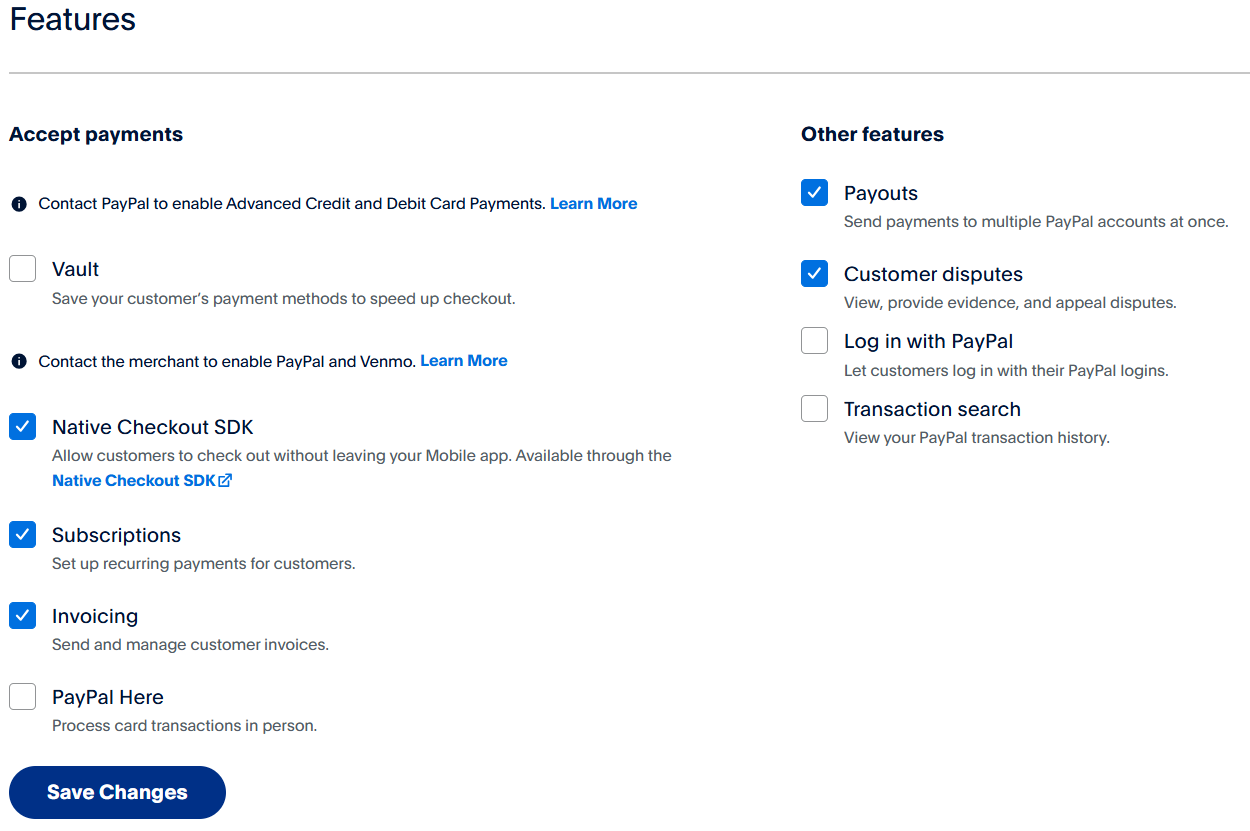
Note: Instructions and screenshots are accurate at the time of writing. Updated on January 22, 2025. Subject to change.
You can only receive payments through PayPal API with a PayPal business account. If you have a personal PayPal account, you will have to upgrade it to a business account, or you will have to create a new PayPal account that is set up as a business account.
Log in to https://developer.paypal.com/dashboard with your business account and navigate to Apps & Credentials. In the top right corner, make sure to toggle to Live, then press Create App.
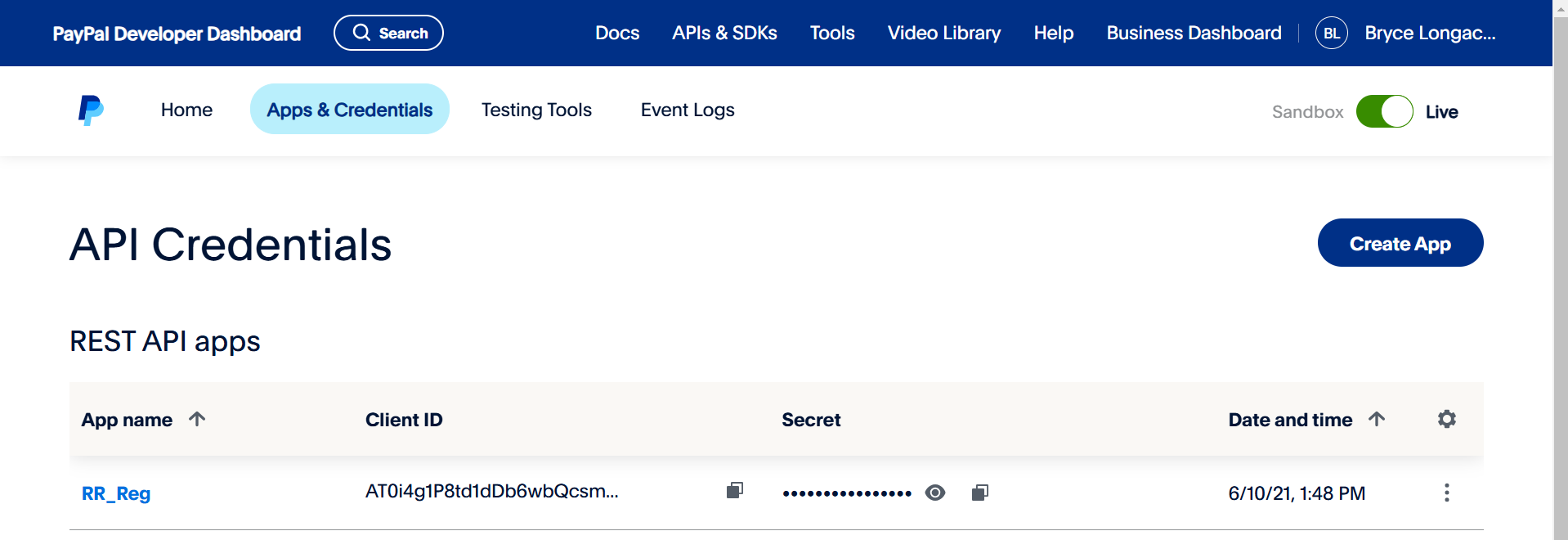
The app will generate a Client ID and Secret automatically. Make sure to copy these exactly as they are. The API signature is ONLY required for the legacy classic integration. Most events no longer use this legacy integration.
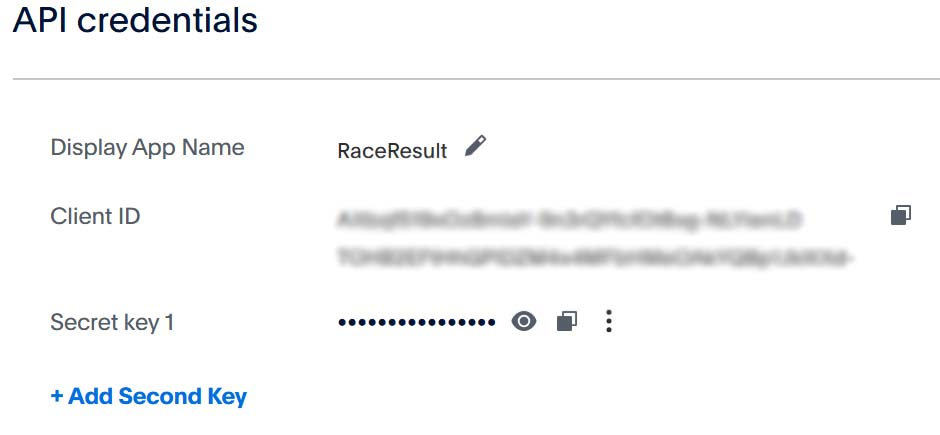
After naming and creating the App you may need to adjust some of the features to suit your needs.