Select Indicator
The system can indicate when a passing is generated using the Status LED and / or internal speaker, by default this will both beep and blink on each passing.
There are four possible options for the passing indicator:
- Beep + Blink
- Beep
- Blink
- Nothing
Wireless Audio
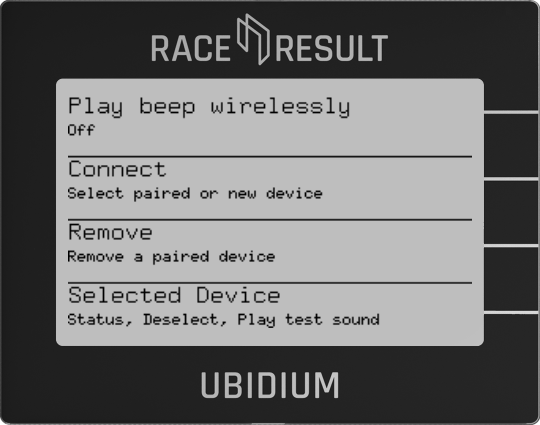
In addition to the internal speaker the passing indicator beep can be played through a wireless audio device.
Play Beep Wirelessly
Enable or disable the wireless transmission of the passing indicator beep
Connect
Choose from a previously connected device and also scan for available broadcasting wireless audio devices. To connect to a new device to the system, the device must be in pairing mode. Select the device you wish to connect from the menu to attempt to connect/pair to the device.
Remove
Remove previously paired devices
Selected Device
See the status of the selected audio device and play a test beep to confirm it is functioning normally.
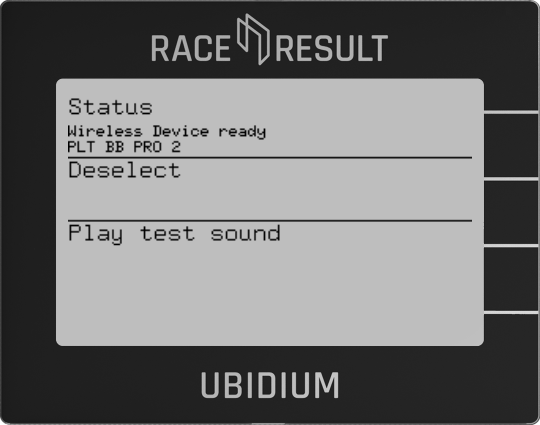
Deselecting the device will disconnect it from the system.