Use the Move Raw Data function to shift data from one timing point to another. This is typically used to correct setup errors or participant flow issues.
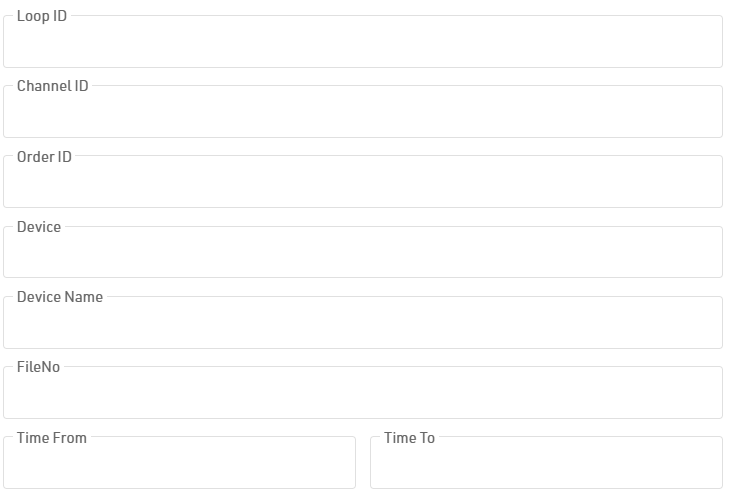
To begin, select your source Timing Point and Target Timing Point. You can limit the scope of the move by filtering for specific contests, applying a custom expression. For more granular control, select Show Raw Data Filters to filter by specific devices, setups, tags, timeframes, or files.