Clicking the Send tab within a template will display the list of participants who will receive the e-mail according to the filter, the right side will also show a preview of the e-mail for each participant.
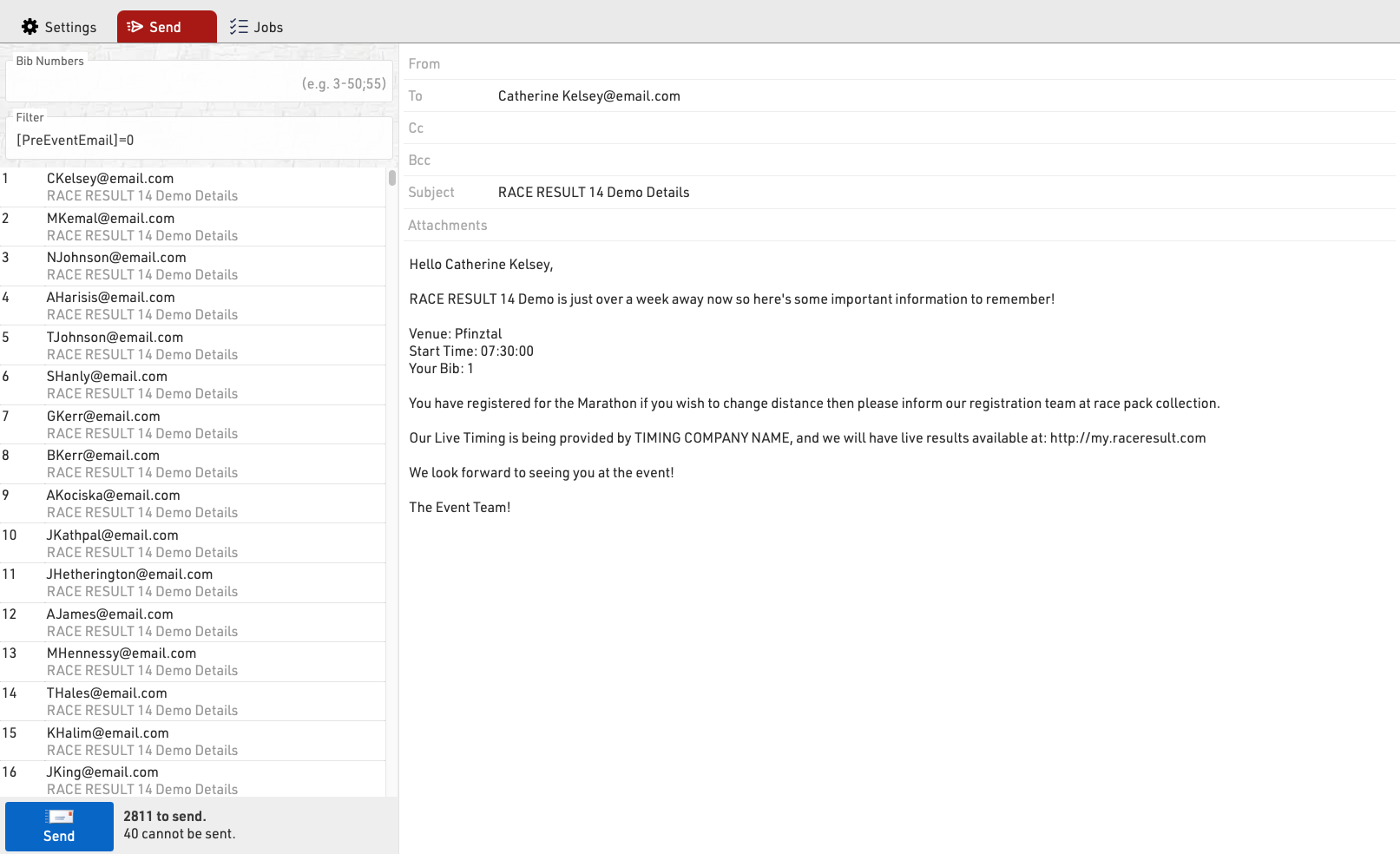
You can choose to send to specific bibs or adapt the filter before sending.
Clicking Send will create a Job which will begin sending all the e-mails, the job will show details for each e-mail. If the job receives an unknown error from the SMTP server it will stop.