Events can be shared with multiple accounts through the Access Rights.
It is not possible to directly transfer an existing event to a different account, a copy of the event file must be uploaded to the second account which will generate a new Event ID. Note that unless you delete the original event file, it will still remain active.
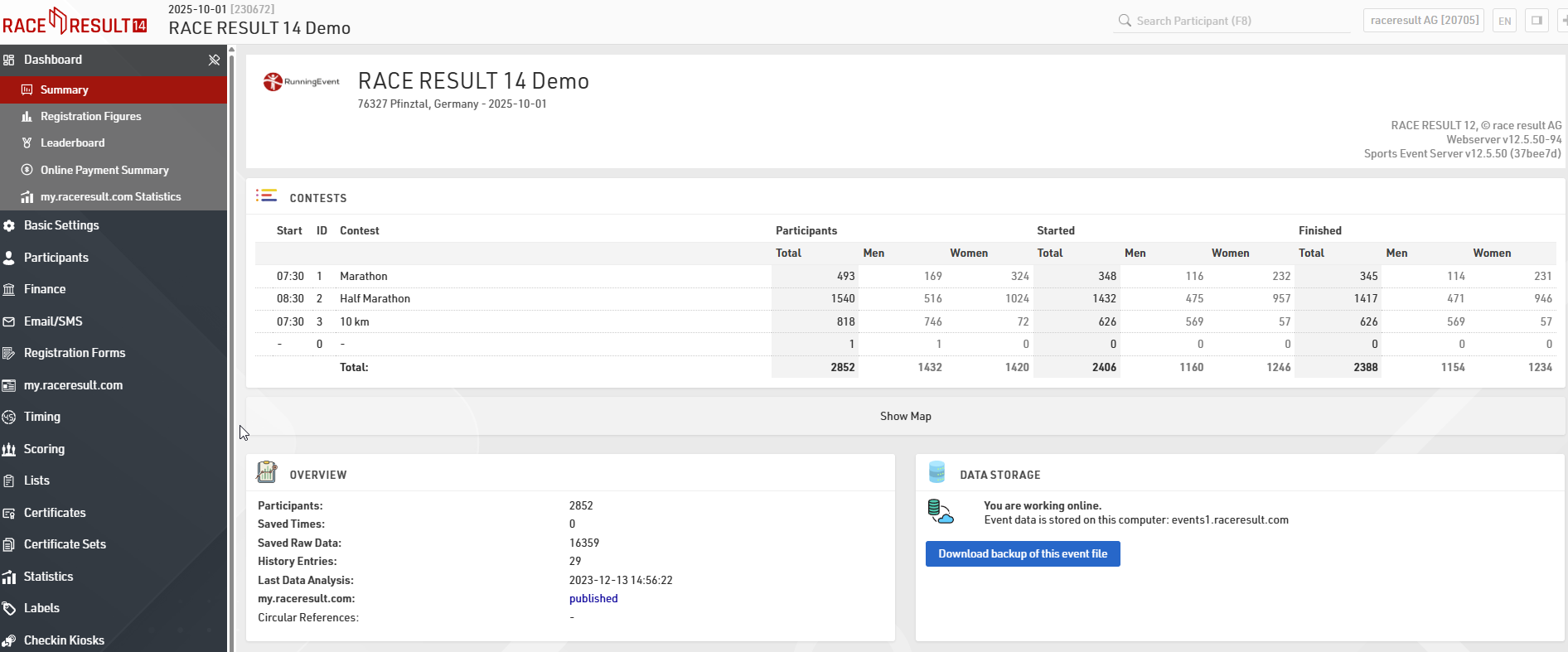
Download backup of the event file
Under Dashboard >Summary, download a backup copy of the event file.
Remove the connection to the event online
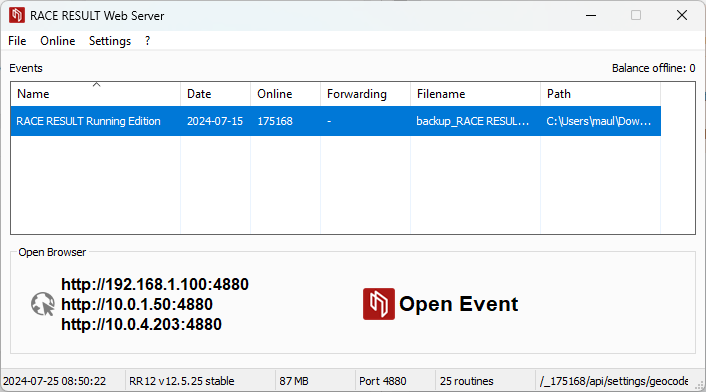
Once the event has been downloaded, open it in the offline RACE RESULT Web Server. At this time, the event is still linked to the original online Event ID (in this example, 175168).
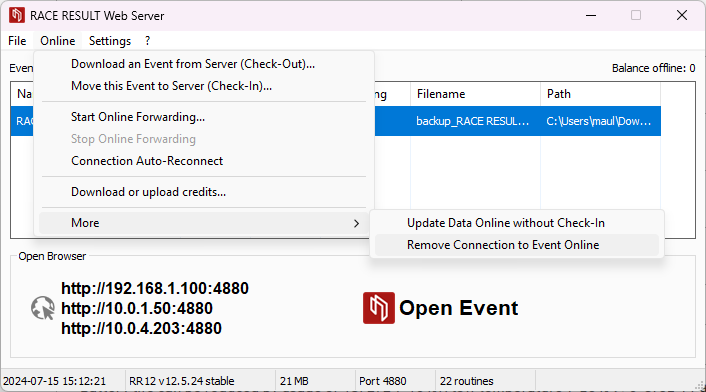
Under Online>More, select Remove Connection to Event Online
Upload the event to the other account
Now that the event is no longer set to the original Event ID, it is possible to upload it to a second account by checking-in the file via Online > Move this Event to Server (Check-In).
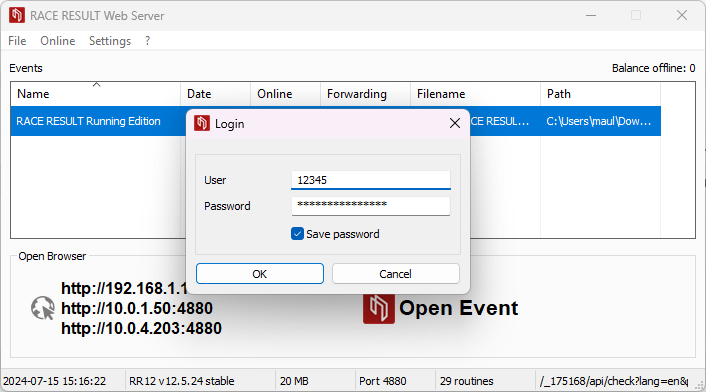
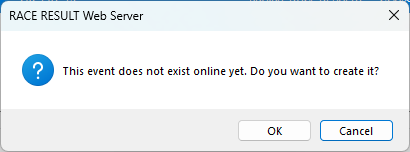
The Web Server will warn that the event does not exist and will ask if it should be created, select ok to confirm the upload.