For Wi-Fi client mode networks must first be configured.
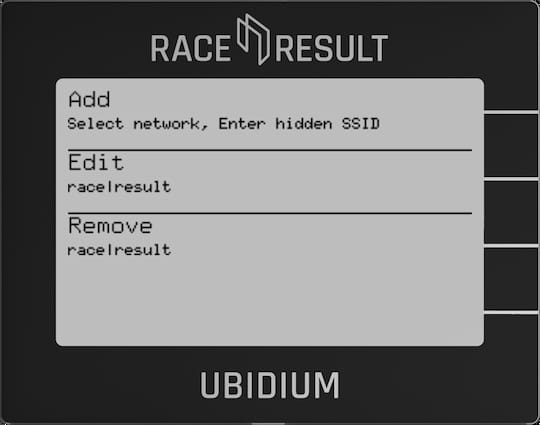
Add
Select a network connection from a list of currently visible Wi-Fi networks, or add a hidden network using SSID. When selecting a network you will then be sent into the Edit menu.
Edit
Select a network connection to edit, set the Key (password), Use DHCP (automatic IP assignment), and the Static IP settings (if Use DHCP is set to NO).
Remove
Remove the settings for a specific network connection.