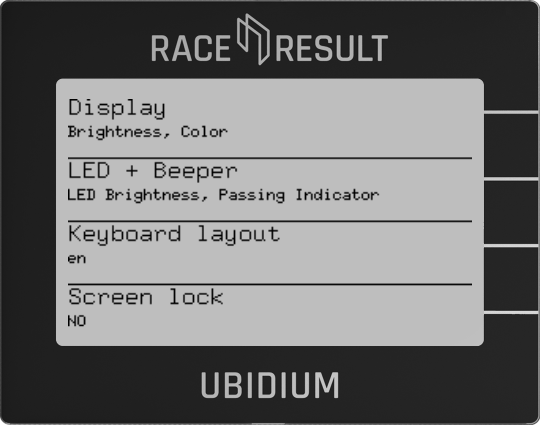
Display
Change the settings of the display backlight.
Brightness
Set the brightness of the backlight, choose from off, low, medium, and high.
Color
Change the backlight color between white, red, green, or blue.
LED + Beeper
LED Brightness
Choose the brightness for the status LED from low, medium, and high.
Passing Indicator
Keyboard Layout
For text inputs, you can define the keyboard layout. Currently supported layouts are English, German, and French.
Screen Lock
Enable or disable the screen lock which will prevent any input from the keypad from being registered, with the exception of the START button which can still be used to create markers.
When enabling the screen lock the display will show the combination of keys to press to unlock the screen.
Once activated, the screen lock will automatically enable 60 seconds after the last key press or when the power button is pressed once. This allows you to select a screen to display and then manually lock it using the power button.