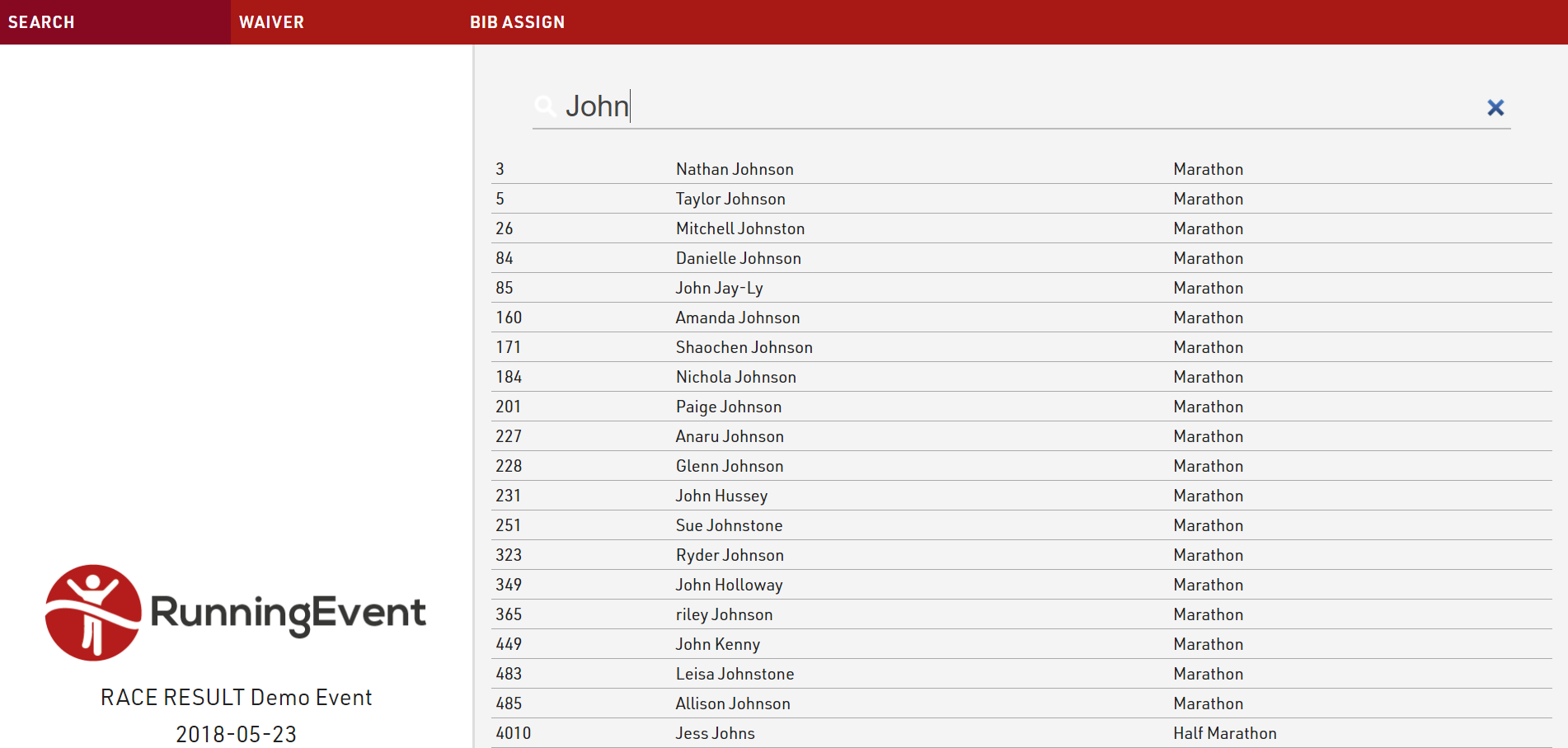
The first step of a kiosk is always a Search, this is where participants are looked up.
The step is first given a label to display, and a placeholder can be defined for the search input. If required a filter can be applied to the search to only return certain participants. This can be useful for when multiple kiosks may be setup for different purposes, however special considerations should be taken when using filters in kiosks:
- Filters should not contain any fields which are themselves included in that step, otherwise the changes will not be saved.
- When opening for a specific bib the kiosk creates a temporary record with the default fields and additional fields BUT without any Time/Team Score/Ranking. Due to this, a filter cannot contain any calculation based on Times/Team Scores/Rankings.
- If you really need to rely on the "real" participant values, then the DFunctions() allows specific Time/Team Score/Rank to be called.
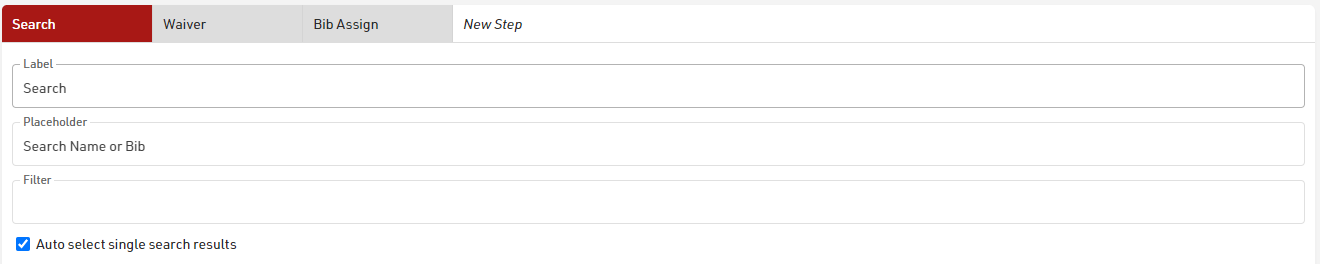
Enabling Auto select single search results will mean the kiosk automatically progresses to the next step if only a single search result is returned. This can be useful if entering or scanning a unique registration number for example.
The fields which should be searched must be specified, these can be any field from the event file, search fields may be hidden from the results list if it is not applicable to show. The search will only return a result if the searched text is matched to one of these pre-defined fields.

For the search step the display fields may currently only be taken from basic Event settings or pictures stored in the event file, such as an event logo.
