When opening the control window for RACE RESULT Decoders you have a number of quick settings that can be changed directly in the window. These vary depending on whether the system is operating in Passive or Active mode, remember also that the time/time zone can only be set when in TEST mode.
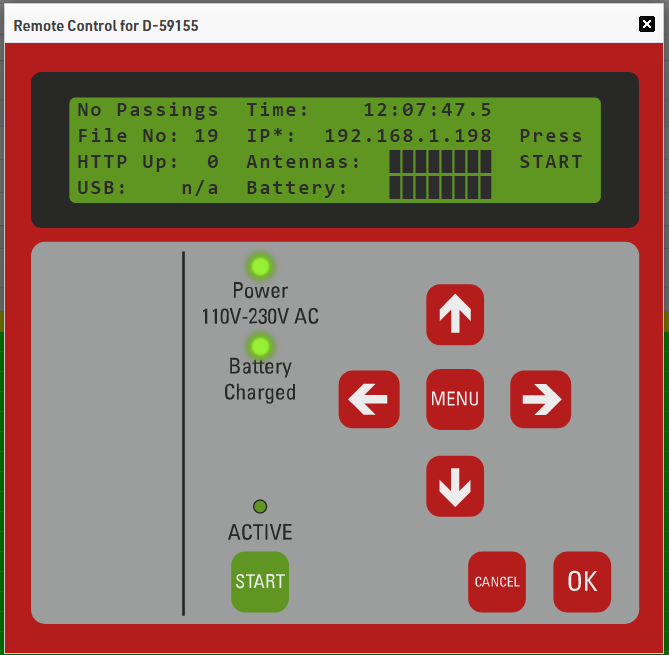
Decoders can also be controlled entirely remotely by clicking the Remote Control button, this brings up a window emulating the screen and keypad of the decoder. You can navigate through the menu of the decoder as per usual using this interface. Note that at this time the External 12V DC indicator is not supported.
Through the system control, you can also access old passings files from the decoder. For local systems this is any file that has not been archived, when accessing online systems it can only call files that have been uploaded to the server. You can either view the passings file, download it locally or stream it directly to your event by clicking the green play button. When streaming to the event the file will appear in your list of systems for you to select a timing point if necessary and play the data.
