


What design options are available and how can I submit my files?
When you order our custom print products, you can design them freely according to your ideas.
You can submit your files in the shop during the "Layout / Logos / Fonts" configuration step:

The following options are available:
- You can send us a self-designed layout. Please note our data sheet with the corresponding templates for download for each print product, as well as our requirements here. To do this, select option 1 in the online shop. A detailed description can be found further below.
- You can send us individual design elements from which we will create a layout for you (e.g. logos, backgrounds, etc.). If you already have an idea of how it should look, you can write the instructions regarding placement preferences in the comment field. Please select option 1 in the online shop for this as well. A detailed description can be found further below.
- If you do not want a layout but, for example, only a heading, you can send us this information using option 2 in the online shop. A detailed description can be found further below.
- If you do not have your own layout, you are also welcome to choose one of our designs. In the online shop, you can select the desired layout under option 4. Please note the detailed description further below.
During the ordering process, you can select the desired layout option under "Layout / Logos / Fonts". Please note that you can only select one option. If you change this selection, previously made entries will not be considered for the layout.
Option 1: Upload files
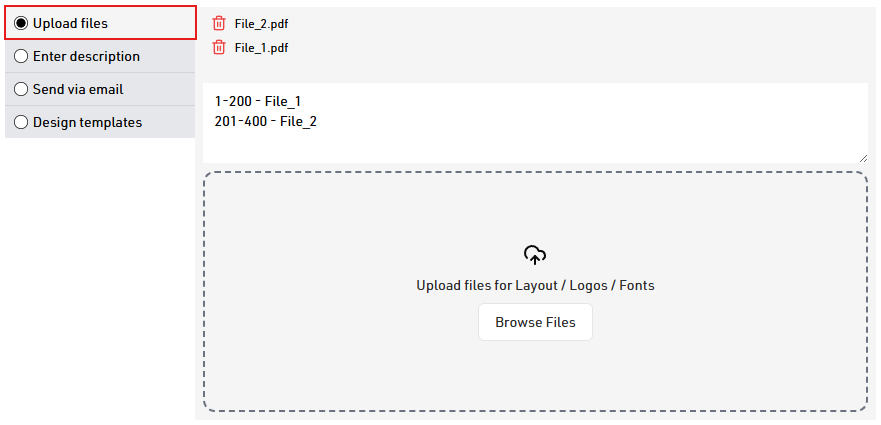
Here you can upload a self-designed layout or individual design elements (e.g. logos, backgrounds, fonts, etc.).
Once you have uploaded one or more files, you will see the uploaded files in the configuration. These can also be deleted by clicking on the trash can icon. Likewise, after uploading, a text field will appear for your description. Please let us know everything we need to know for creating the layout.
Option 2: Enter description
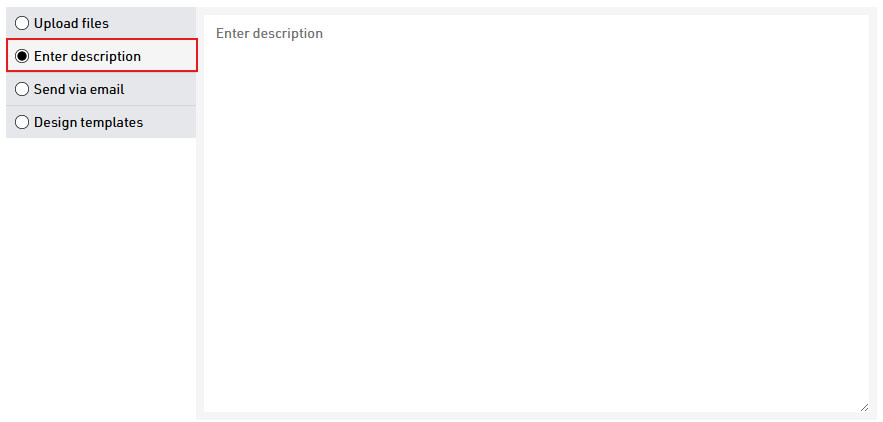
You can use this option if you only want to enter a description and have no files to send. The text field is also sufficient for longer descriptions and adapts to your text.
Option 3: Send via email
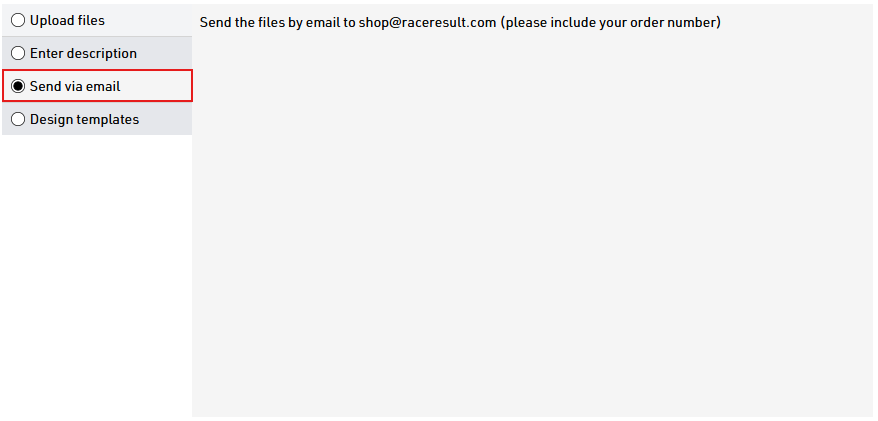
You can select this option if you would like to send us your description and files by email after ordering. Please then send the files, including your order number, to shop@raceresult.com. Please note that with this option, no description and no data will be transmitted to us when you place the order. If necessary, we will contact you if we do not receive an email from you.
Option 4: Design templates
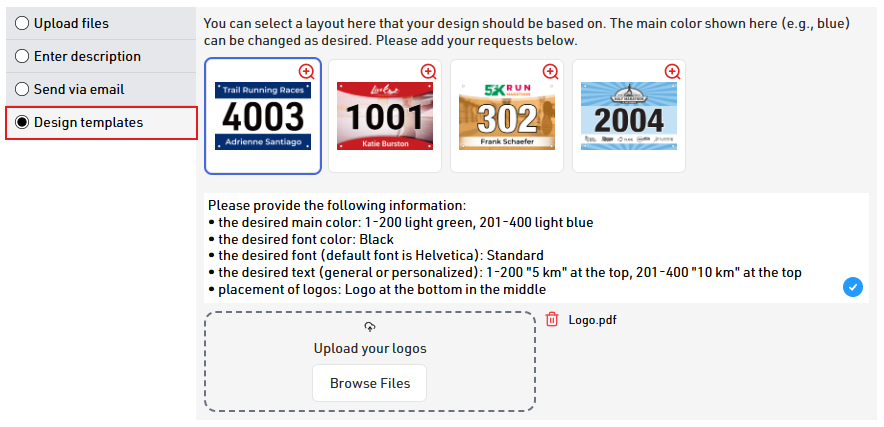
Here you will find some designs to choose from if you do not have your own layout. The logos, texts and colors in these designs are for demonstration purposes only. You have the option to provide us with your own logos and texts (e.g. event name, participant name, etc.). We will be happy to place them for you, according to the selected design. The background image cannot be changed. Please select the desired design so that it is outlined in blue and provide the following information for the customizable elements of the design:
- Please specify the desired background color. This information is required in order to implement all colored elements of the designs. Depending on the selected design, the color will then be used for the upper and lower area or the shade of the background of your selected design. Some designs have slightly transparent elements that become visible through a background color. A change of colors for different number ranges is also possible.
- Also let us know the font color for the bib number and text. If there will be different colors, please specify all colors and their intended use. A change of colors for different number ranges is also possible.
- If you prefer a specific font, please let us know.
- Add the desired text and its placement. This can be static text or personalization data.
- You can also upload your logos in this step, below the description text. Once you have uploaded one or more files, you will see the uploaded files in the configuration. These can also be deleted by clicking on the trash can icon.
Please note that we do not offer an extensive design service. Therefore, we cannot perform elaborate retouching of images, make major adjustments to existing data, create new graphic elements, or design a complete and elaborate layout.
If you have any questions regarding layout, please feel free to contact our Customer Care Team at shop@raceresult.com.