


Using the RACE RESULT BLE Reader in conjunction with the RACE RESULT 14 Chip Check allows you to quickly and easily see participant data on the screen.
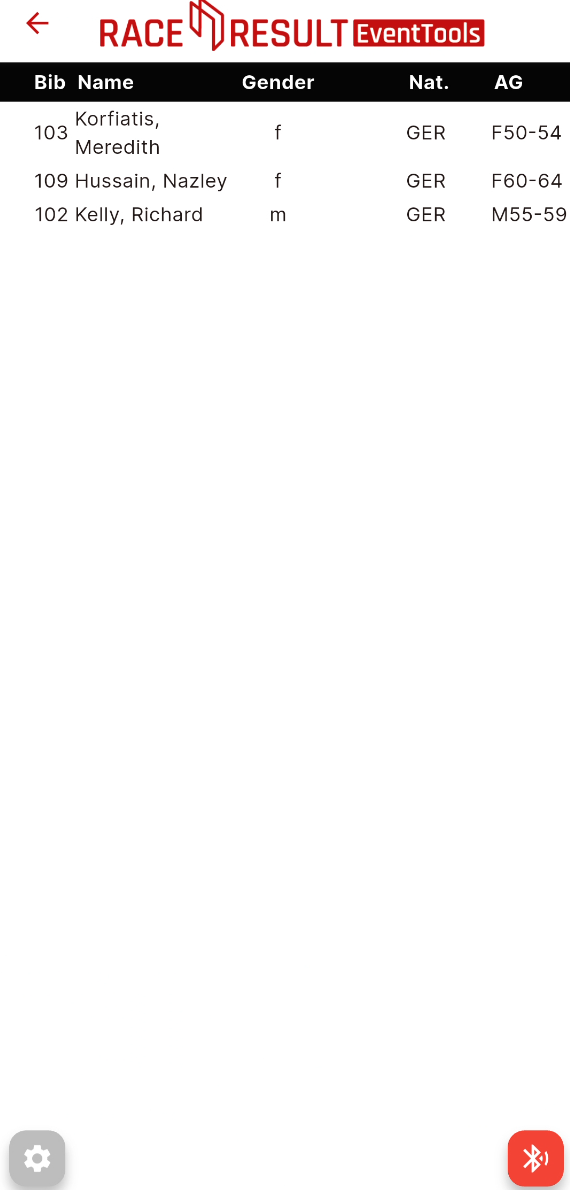
Once connected to the reader, choose your output power and proceed to the chip check display.
The display is a simplified copy of the main tool from RACE RESULT 14, you can select the output list and font size as normal using the dropdowns at the bottom of the screen.
Clicking the red button will start the reader and hide the dropdown selectors, the display will now be full-screen.
Stop the reader by clicking the green button which will now show the dropdown selectors.