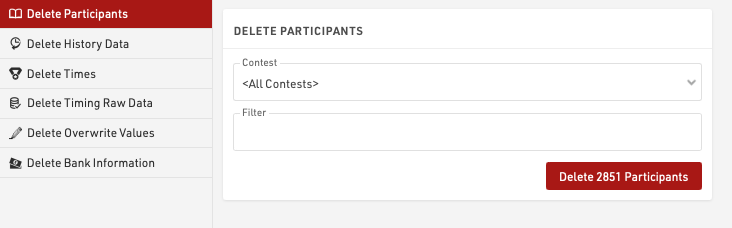
Delete data provides methods to delete large batches of data, individual participants or times can be deleted in the Participants Window.
First, select what data you would like to delete:
- Participants
- History Data
- Times (Special Results)
- Raw Timing Data
- Overwrite Values (Special Results)
- Bank Information
Then select the details (like contest), enter a filter if needed and select the Delete button.
The number of records that will be affected by the delete action will be shown. When dealing with large datasets it is recommended to create a backup first.