


Data Manipulation is a frequently used function to modify several participants at the same time.
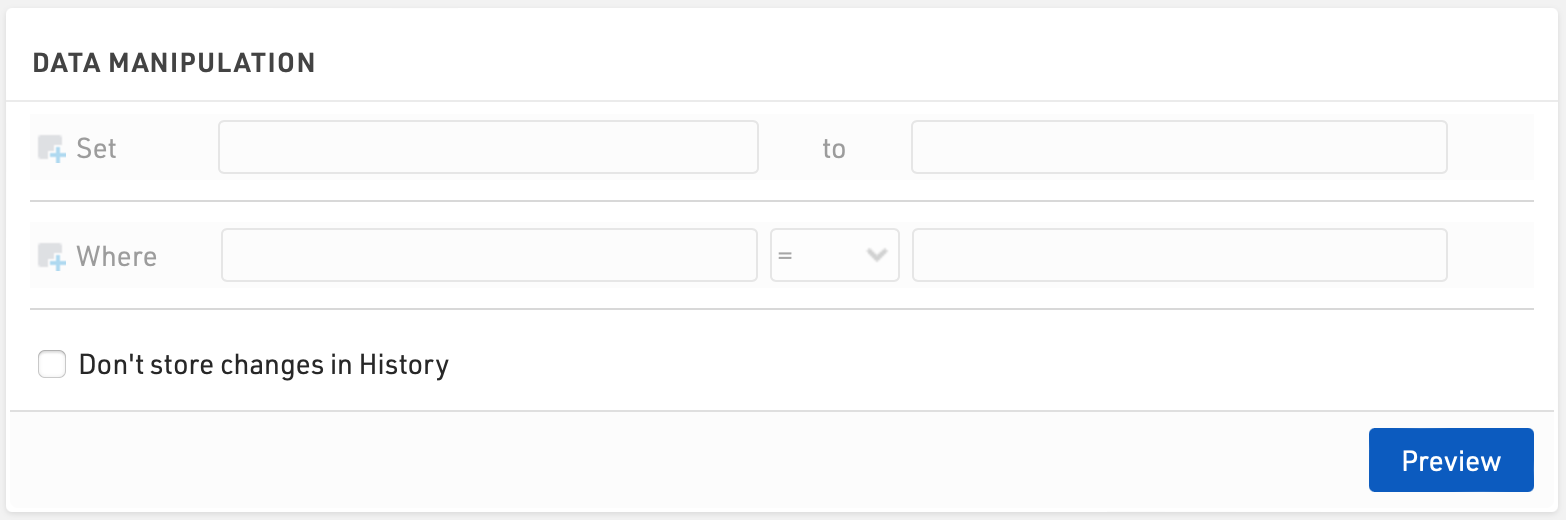
Enter the Data Fields you wish to update, under Set, and the value to which they should be assigned. The value can be entered as an expression using fields / functions, or if no match is found, will be considered as a text / numerical value.
Additionally enter a filter, Where, to determine which participants should be updated.
Once set, click Preview to show a list of the affected participants and the fields which will be updated. To confirm the changes click the Execute button.
Notes:
- Enclose text in quotation marks both in the "to" field and in the filter .
- Under "to" you can also insert data fields , e.g. if you want to replace individual data fields.
- You can also perform calculations, e.g., set Bib to [Bib]+1 if you want to increase all start numbers by one.

Via Save/load templates you can also store the settings and retrieve them later easily.