


Within RACE RESULT 14 each event is handled as an individual file, note that one event may still contain multiple Contests which may be different distances or even different disciplines all in one file.
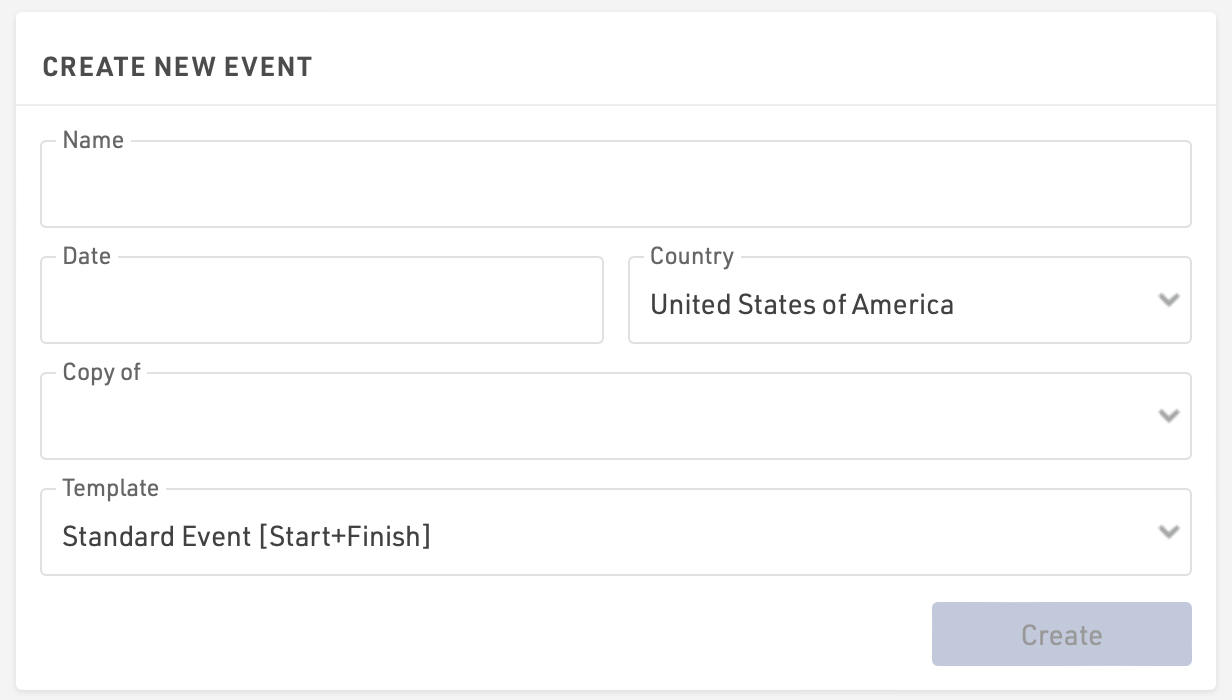
Click Create New Event from the RACE RESULT 14 Start Menu to create your event, you will need to enter some basic details including the event name, date (formatted as yyyy-mm-dd) and country.
You can choose to copy a previous event file, for example if you are running the same event again in a following year, or choose from one of the available templates. Note that when copying an event then the data will all be copied into the new file including participant data, you should check any fixed dates such as Contest Eligibility, Age Groups, my.raceresult.com publishing dates.