First, download RACE RESULT 14 from our website and install it on your main computer (which will act as a local server).
Then start the RACE RESULT Web Server through the Window start menu. It acts as a local web server, so it feeds your web browser with the RACE RESULT 14 web page (which would usually be handled by the servers in the RACE RESULT data center). If your computer has multiple active network connections (e.g., Ethernet, Wi-Fi), the interface will now display all available IP addresses along with their connection type. This helps you easily identify and select the correct address to use for your specific network configuration.

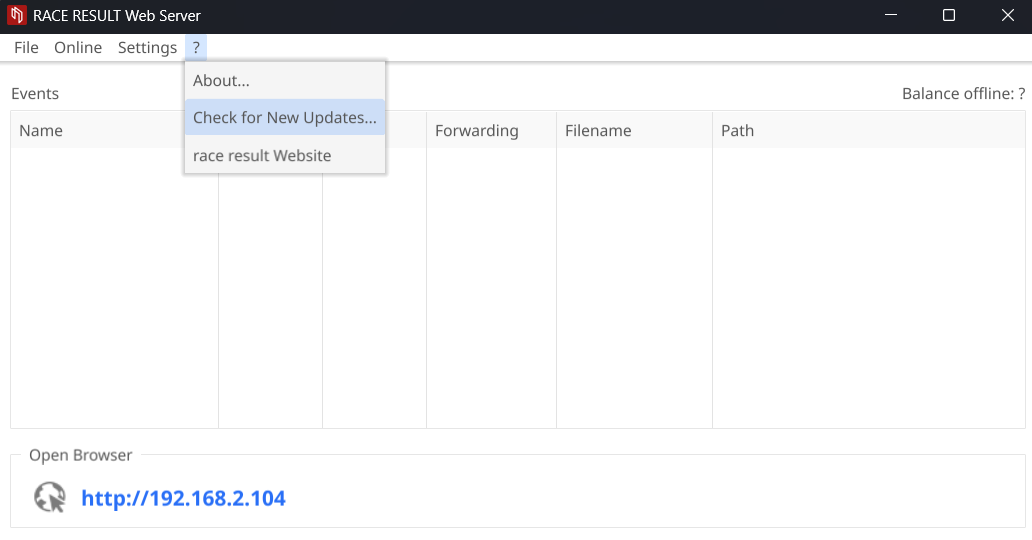
Please make sure that you have installed the latest version of the RACE RESULT Web Server before the event will take place. To check for new updates, click ?-> Check for New Updates: