


Lists and Certicates are the most important methods for displaying and getting data out of RACE RESULT 14.
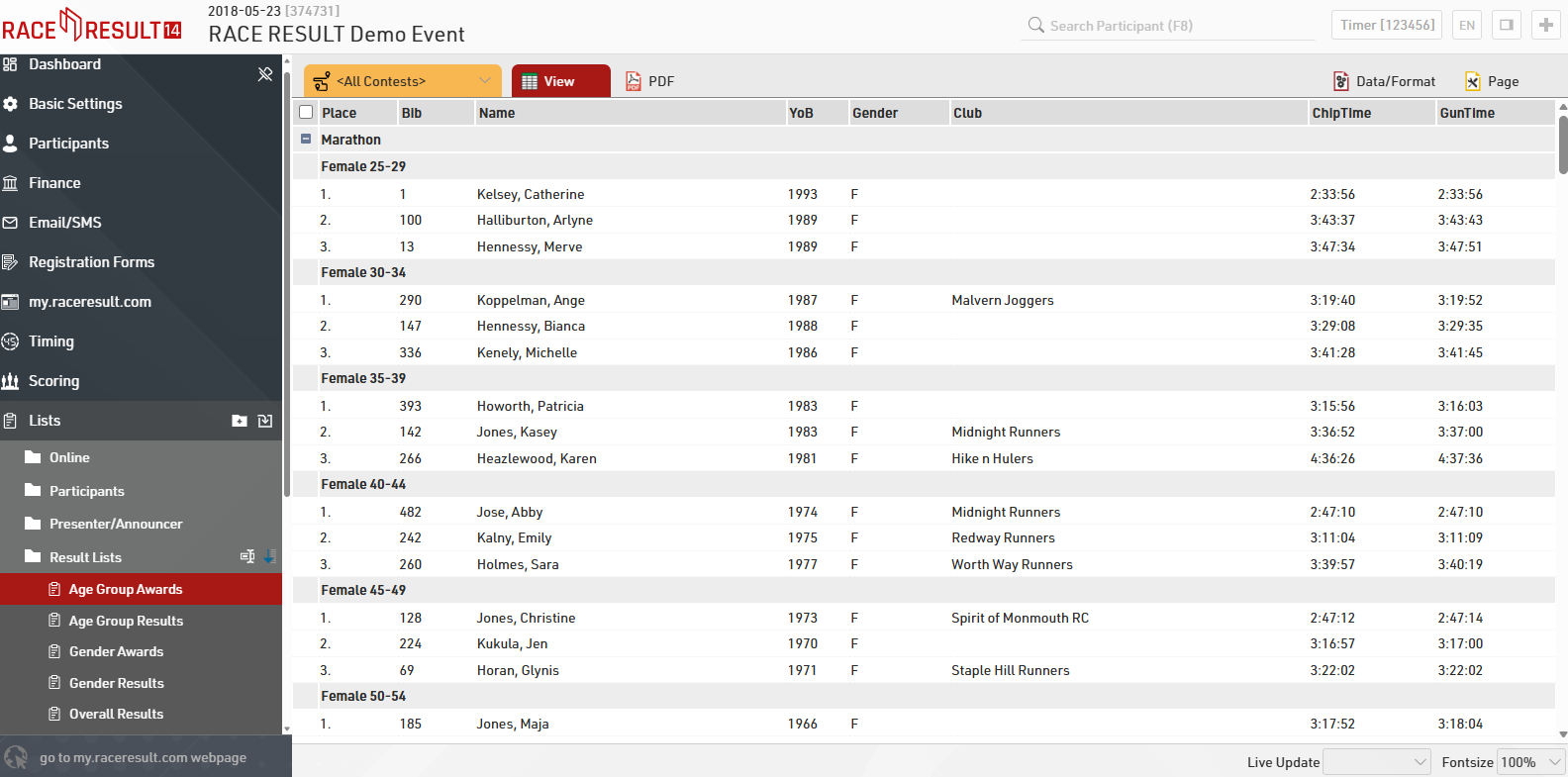
In the navigation bar on the left, you will find here the available lists, our demo event and all templates include the most commonly used output lists. This will save you time when configuring your event file and compiling result pages. After choosing a list, you can display the data in a variety of formats, e.g. PDF and HTML (and more). PDF is most suitable for printing. By choosing a contest in the top left hand corner (instead of <All Contests>) you can filter the list accordingly.
When clicking on Certificate Sets, you can choose from a number of different pre-defined Certificate Sets, e.g. certificates for all age group winners for your award ceremony.
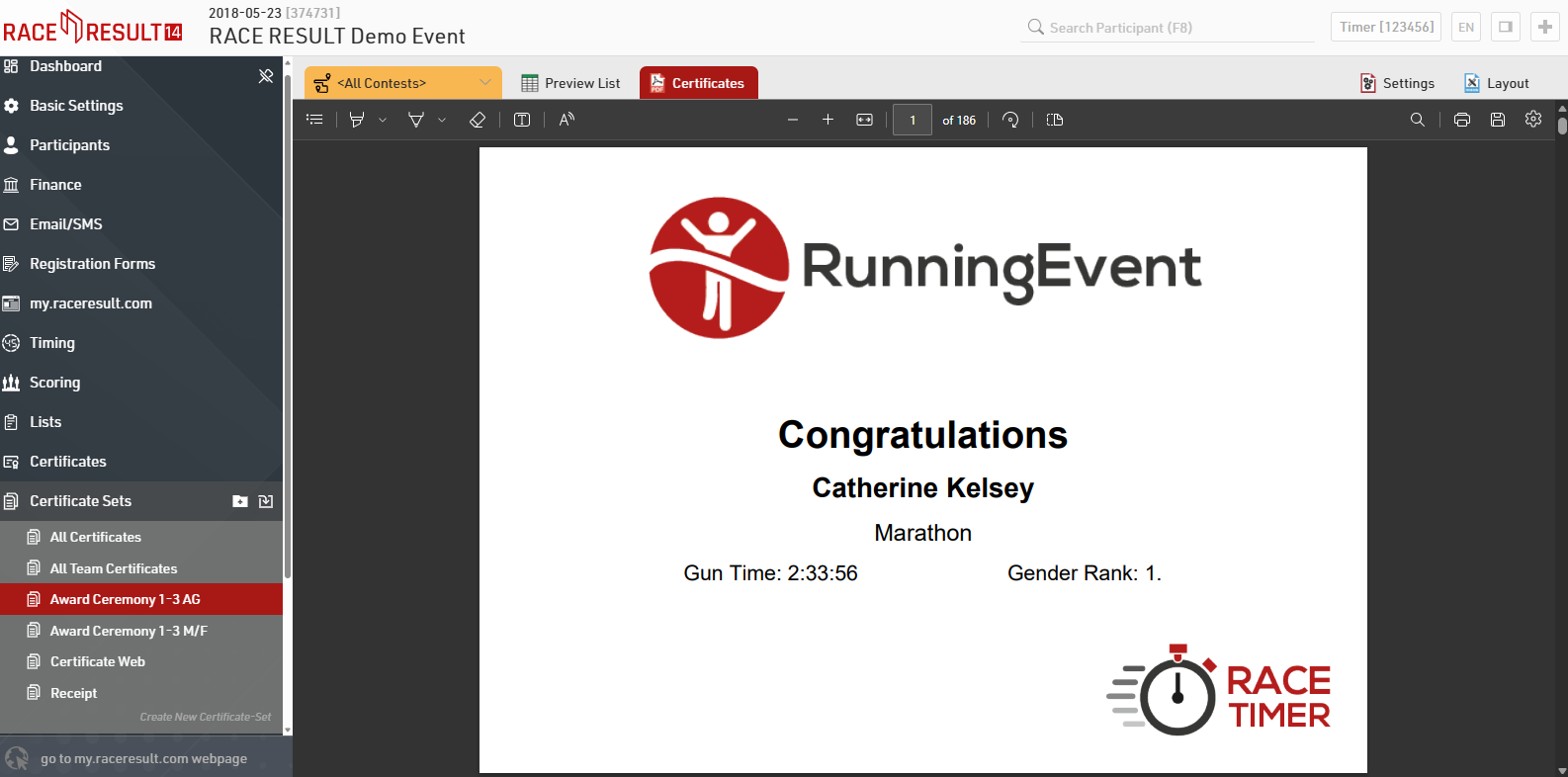
For more information and a detailed explanation on how to configure and customize lists as well as certificates, please refer to the respective links.