


Ubidium contains three ethernet ports which can be used to connect devices on a local network. The ethernet ports of Ubidium are all switched internally and so additional network devices can be connected via Ubidium.
An ethernet connection can also serve to receive an internet connection to enable upload for cloud services or firmware updates.
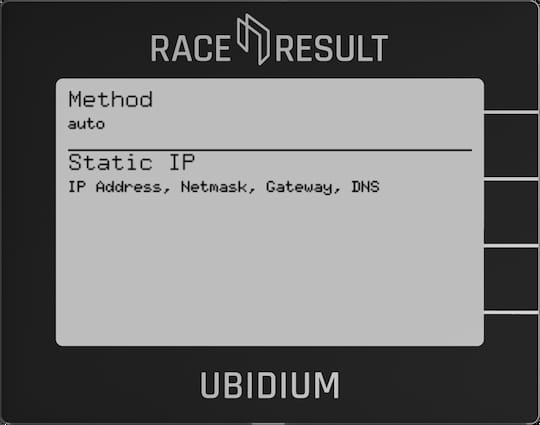
When using an ethernet connection you must either ensure to use a network router which can then assign IP addresses to each device, or set a static IP address on each device on the network.
It is also possible to connect Ubidium directly to a laptop or computer for timing using an ethernet connection.
For more information on network configuration see our Networking Guide.
Method
Sets the IP address method to be used, either Auto (DHCP) or Manual (Static IP).
Static IP
Set the IP address, Network Mask, Gateway and DNS Server to be used when using Manual IP address assignment.