


All chip reads recorded through the Checkpoint screen are stored on a local database on your device, times are stored as UNIX timestamps.
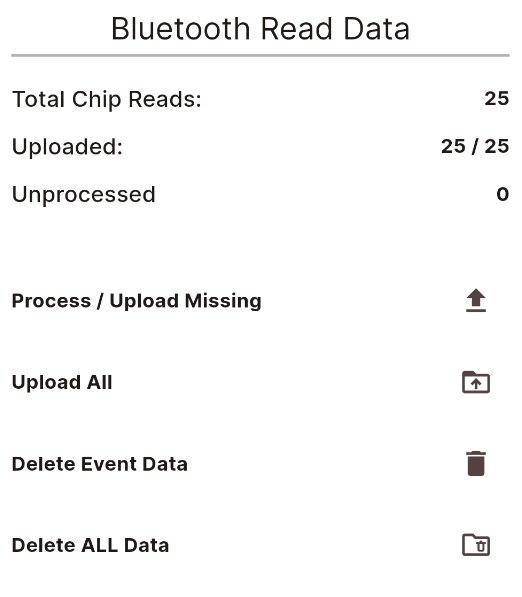
The settings screen shows an overview of the data for the event on your device.
You can also reprocess and upload either those which were not processed / uploaded or upload all times to your event again.
Note that when doing this - the CURRENT time zone of your device will be taken as well as the CURRENT start date in the timing module, this is to allow data to be fixed if your settings are incorrect during the event.
To minimise the storage used on your device you can also delete the data from the database for either the current event or all data (all events).