


TrackTiming is activated through the Detection Settings menu of Ubidium, once activated the System will additionally create a Wi-Fi access point which can be used to connect directly to the system.
The display will show two QR codes, the first can be scanned to connect to the Wi-Fi network of the Ubidium system, and the second will direct users to the IP address of the system which is used to access the TrackTiming user-interface.
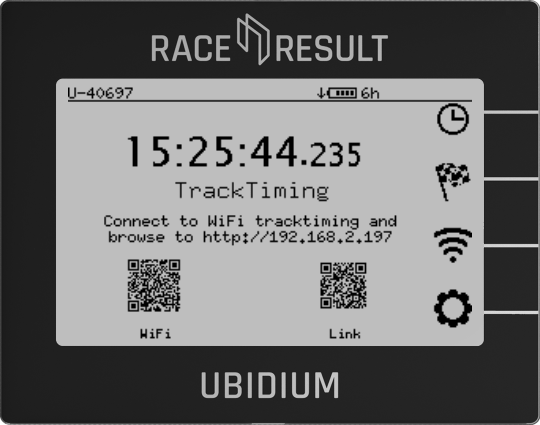
Alternatively, if the Ubidium is connected to your local network via ethernet you can access the user-interface by entering the system IP address as shown on the main display of the Ubidium system.