


Registration through RACE RESULT 14 is handled through registration forms. Registration forms can be used to capture participant data, receive payment, and send an automated e-mail confirmation. These registration forms can be used for both online registration and on-site registration, even when working offline.
There are two main types of registration:
- Single Registration - A single participant registering at a time
- Group Registration - A group of participants all registering together
By default one of each type of registration forms is created in each template but you can create multiple forms for different purposes if required.
You will need to define when a registration form is active, and tick the box to enable it.
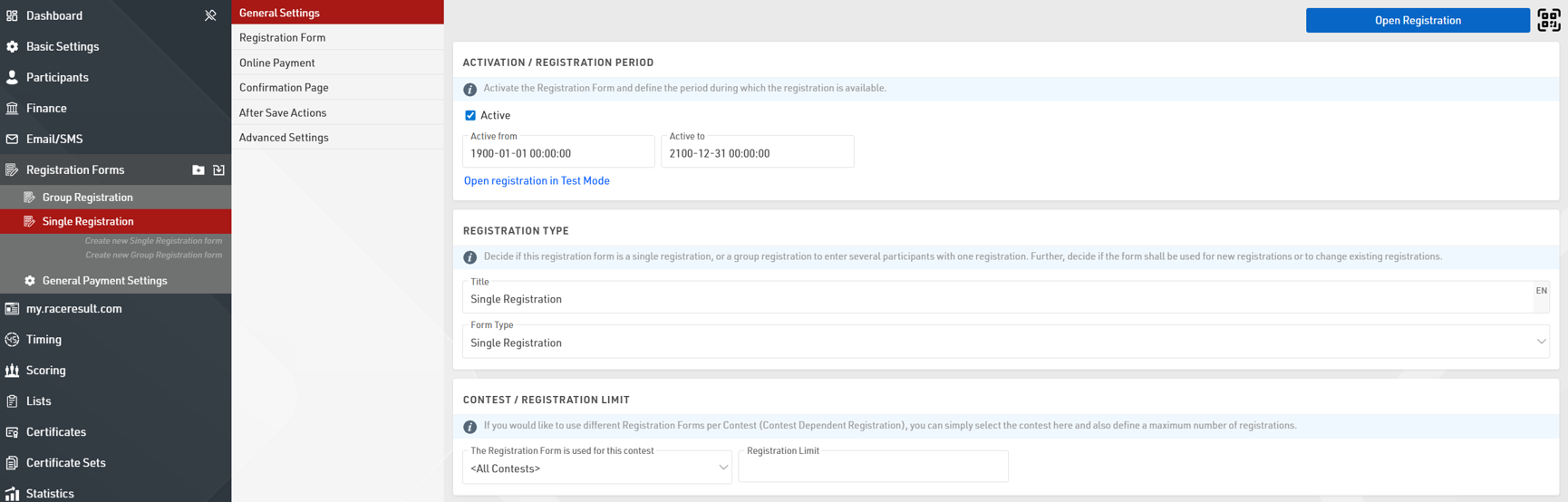
At a basic level these default forms have two steps, the first for recording the participant information and the second is for the participant to check their information and accept the terms and conditions of registration.
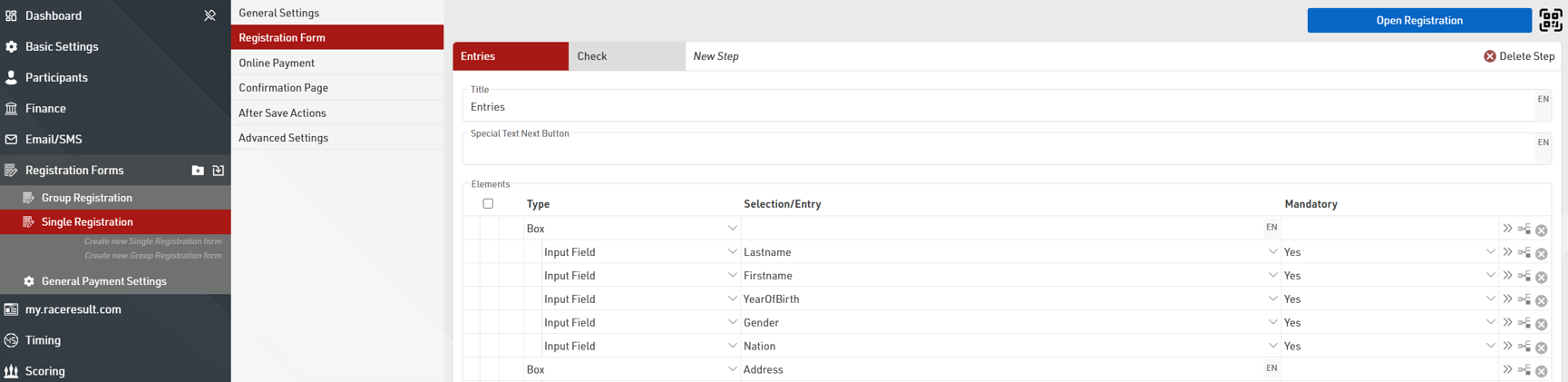
You can easily add additional Input fields to capture additional data in the form.
When capturing payment it is important to additionally setup the entry fees for your event. A default Email Template is also setup for each type of registration form which will be sent when the registration is completed as per the After Save Actions settings.
Due to the complex nature of registration forms - if you wish to create more complex registration forms please read the main Registration Forms guide.