


To power on Ubidium, firmly press and hold the power button until the status LED illuminates green.
Ubidium will now commence the startup process, during this time it will begin to search for a GPS signal, Ubidium will automatically set the time using GPS when available. When using GPS time, the time zone of the system will also be set automatically based on the GPS location.
Once the Startup process is complete, or if the timeout is reached, you should check the time which is displayed, if the time is incorrect then please refer to the guide below for troubleshooting the time.
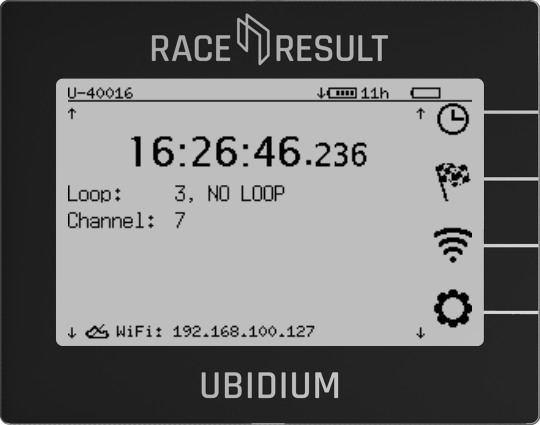
Ubidium is now ready to begin timing and will automatically start recording all passings, the Start Button will be illuminated green if the system has GPS time sync, an Active Loop connected and either a successful cloud connection (via SIM, Wi-Fi or Ethernet), or a connection to a locally networked instance of RACE RESULT 12.