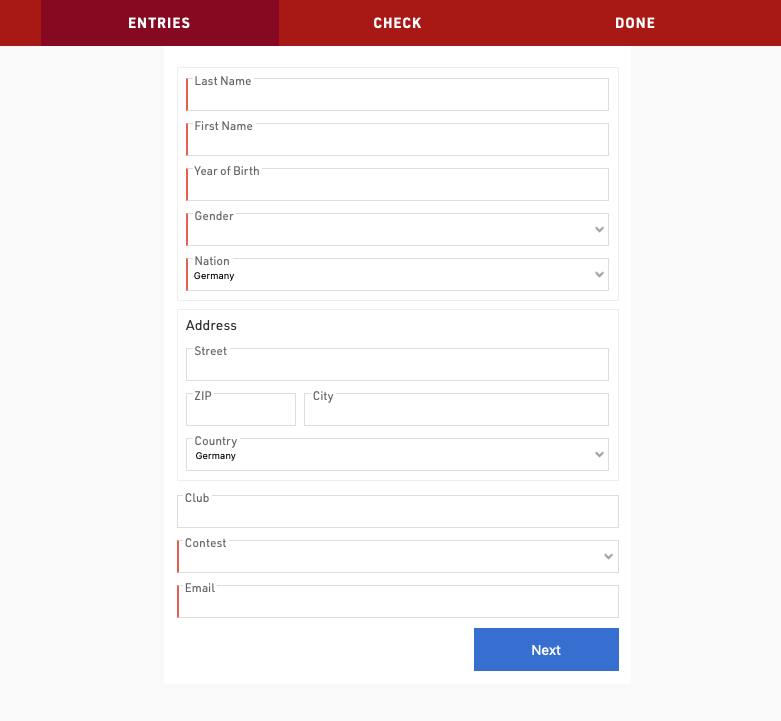
Registration Forms are used to provide both online and on-site registration, this can also be extended to online self-service allowing participants to update their data directly.
The list on the left shows all registration forms in your event file which can be rearranged using drag & drop by clicking the free space to the left of the form name.
Lists can be further sorted into folders, to create a new folder, click the Add Folder icon in the Lists Header. By clicking the folder header, the folder can be expanded / collapsed, to sort the items within a folder alphabetically, click the  icon. Empty folders will be deleted automatically when you reload the window.
Each registration form is fully customisable and multiple registration forms can be setup for different purposes and each form is one of four types:
- Single Registration
- Group Registration (Enter multiple registrations simultaneously)
- Single Self-Service
- Group Self-Service
To access self-service a unique URL is generated for each participant which contains a unique Key for security, the URL can be retrieved using the Changelink() function.
Each registration form will generate a unique URL which can be opened directly, or the form can be included in the my.raceresult registration page.