


After the checkout or after creating a new event file offline, you can access it in the browser by clicking on Open Event:
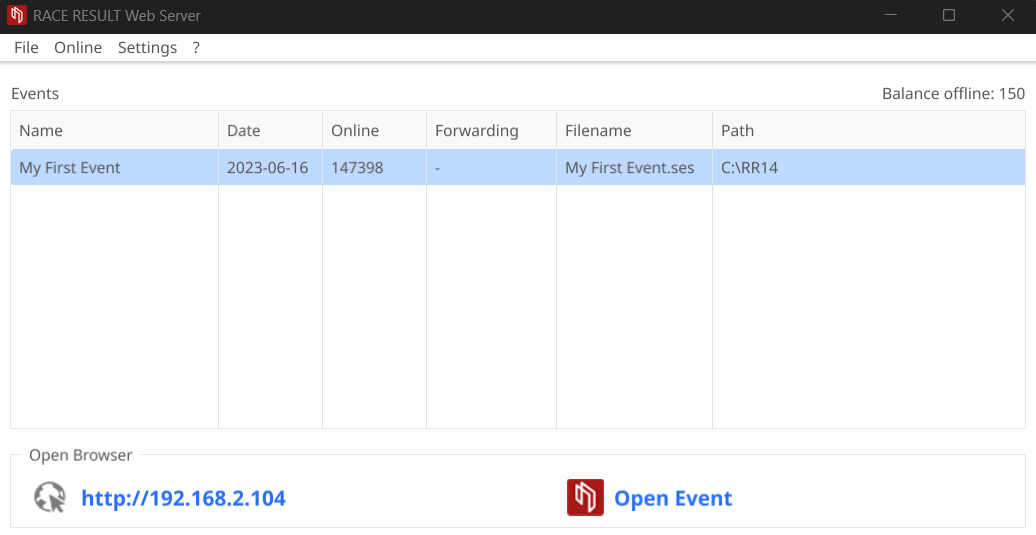
To access the file through other computers in the local network, you only need to enter the IP address (shown on the left side in RACE RESULT Web Server) in your browser:
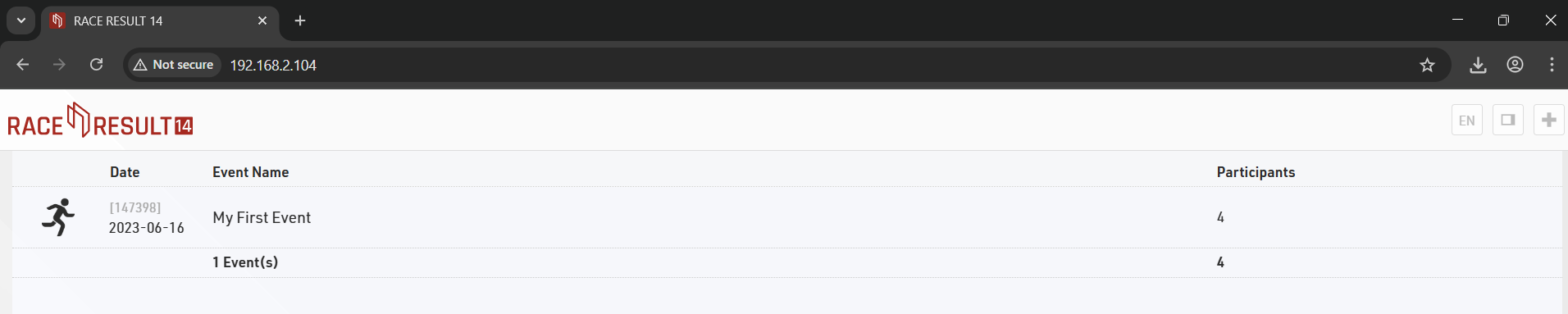
Note that if your laptop is running other web servers then it may also be necessary to provide the port number which is appended to the IP address.