


"Overlapping contests" means that one contest starts before all athletes of another contest have finished. In this case you should work with the time of day, i.e. you record the time of day when an athlete finished and subtract the start time of the corresponding contest later on. Therefore proceed as follows.
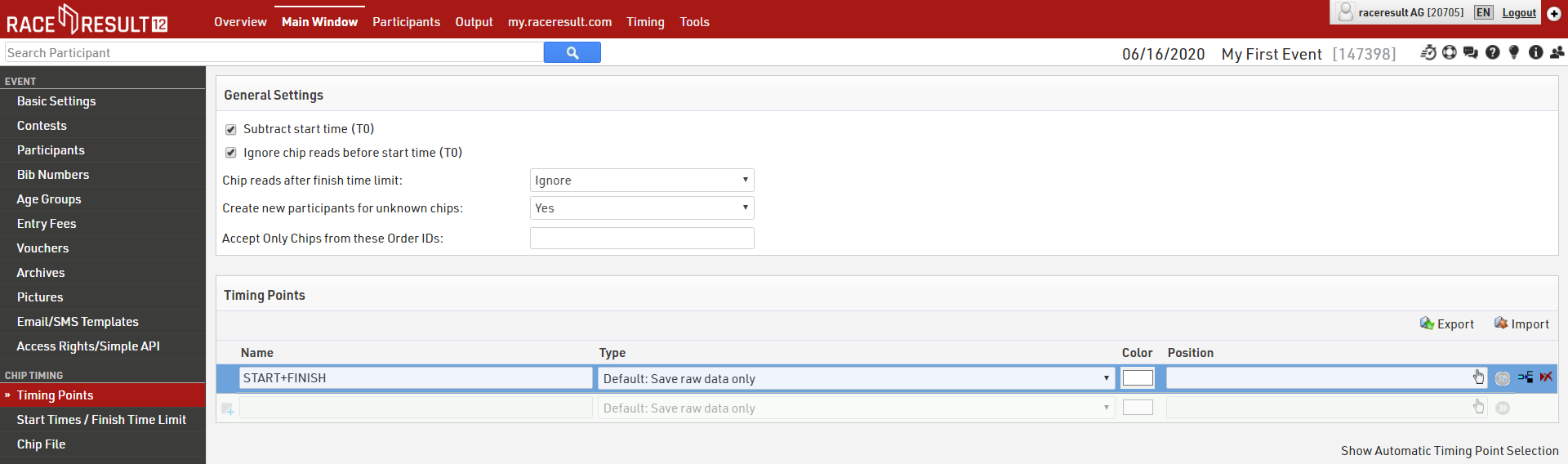
First, in the page "Timing Points", make sure that the option Subtract start time (T0) is activated, and that your timing point is set to "Save raw data only".
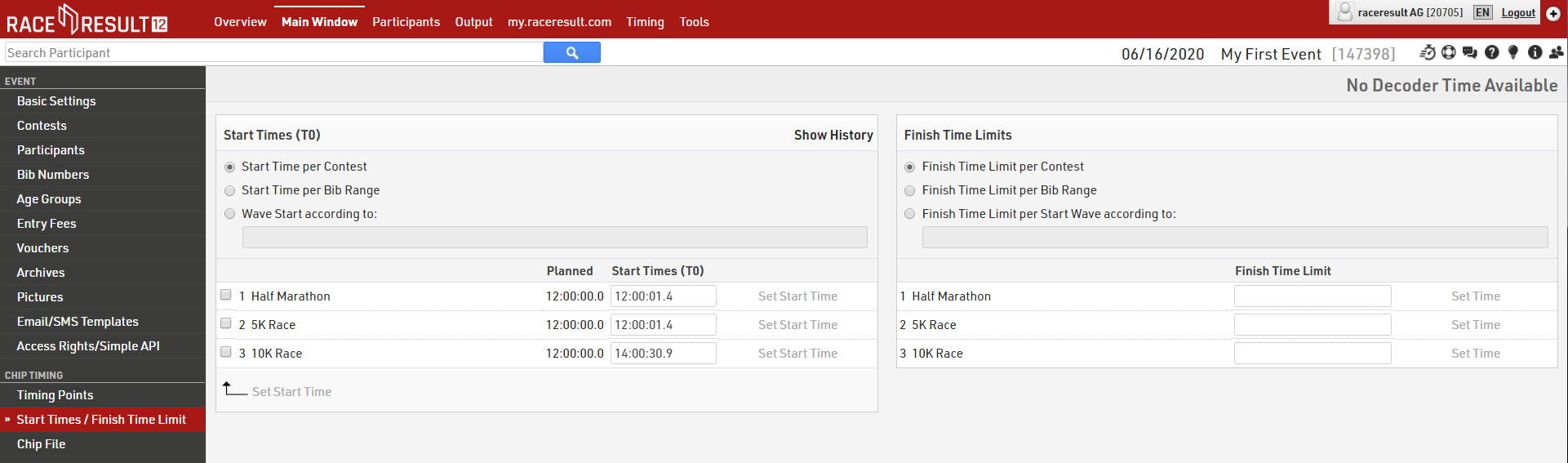
Then, when each contest starts, write down the exact start time and enter it in Main Window->Start Times/Finish Time Limit. Note that you can enter and correct these at any time.
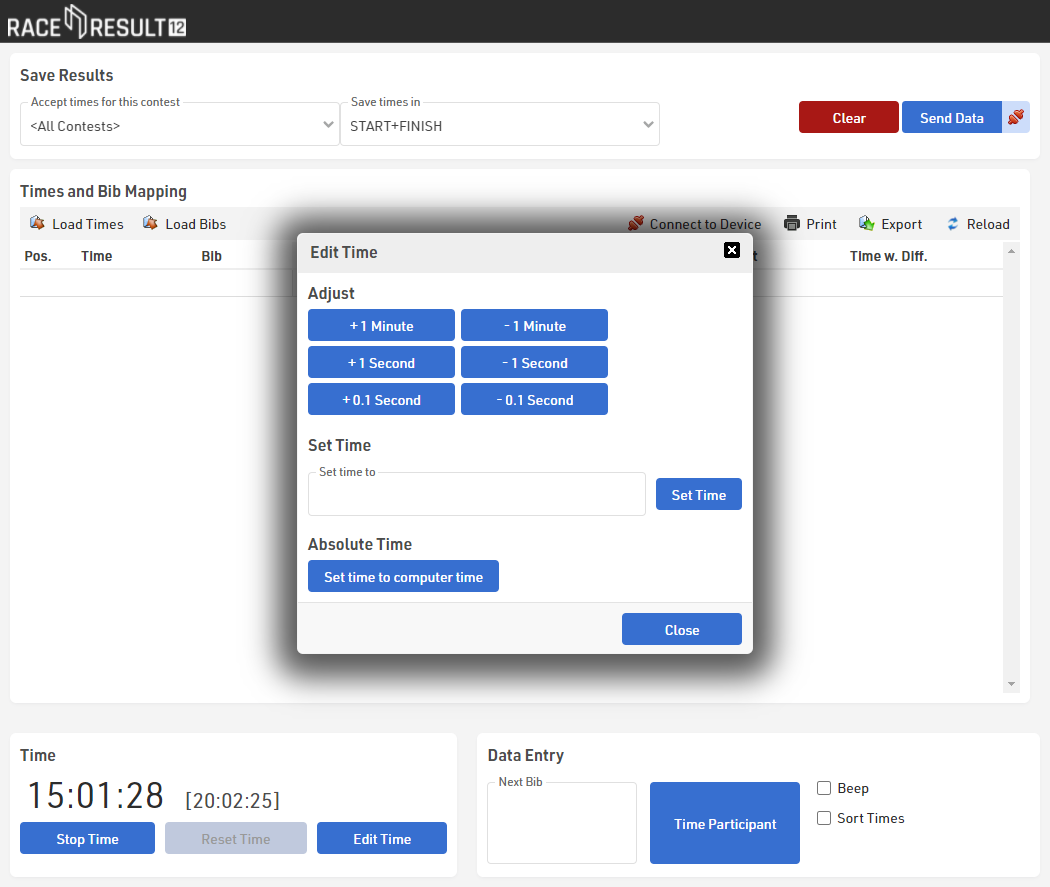
At the finish line, start the time by clicking the button Start Time and then click Edit Time to set the time to time of day. You can either enter the time of day manually in the field Set time to or you can simply set the time to your computer time. Then close the Edit Time window.
When the participants cross the line, record their times and bib numbers as usual. The time recorded is the time of day at which the participant crossed the line.
Also make sure to select <All Contests> in the Manual Timing tool at the top of the screen (“Accept times for this contest”), so that times for all contests will be accepted.

When you take or import times, you can see the race time (day time minus gun start time) in the column “Time w. Diff”. The time of day will be stored in the Timing Raw Data tab of each participant, the software then deducts the start time and displays the race time in the Results tab.
In case you took times before setting the start time, you need to click the button Reload in the Manual Timing tool, to see the times based on the new start time.