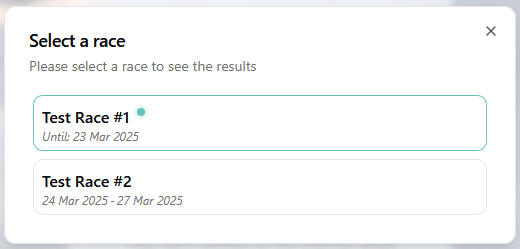
The View Results page allows participants and spectators to view live results during the event. Any race that is set up as part of the current event can be selected. The selected race can be changed at any time by opening the drop-down menu in the top left corner.
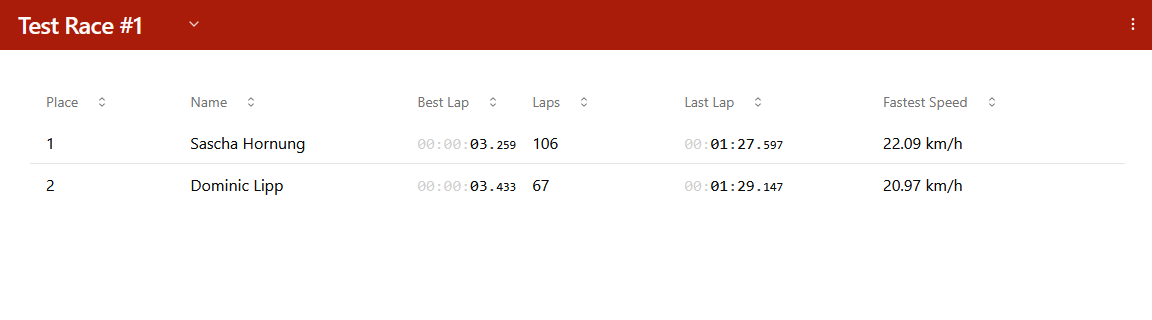
The results are sorted by the fastest lap and displayed for each individual race. Individual settings for the display can be defined for each race, such as the last lap, the number of laps or the average speed. This is defined in the Operator Login.
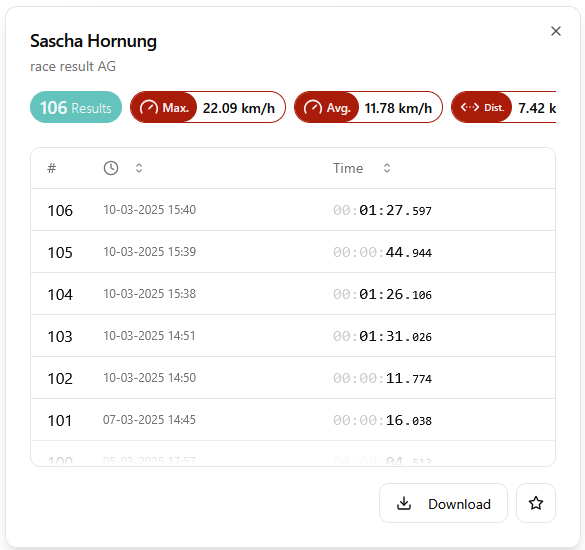
The individual lap times can be called up by clicking on a participant. In addition, the results lists can be downloaded to the device being used.
Favouriting a participant means their best lap result will be pinned to the top of the results display.

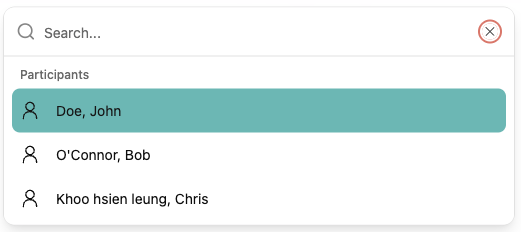
The options menu in the top right also provides the ability to search for participants, selecting a participant will show their individual results details.
Within the options menu you can also access the presenters, and change the settings for speed units, theme and language.
Presenters
The presenter screens are accessed through the options menu of the main results display, these screens provide some quick views to show the current lap times of participants.
Table View
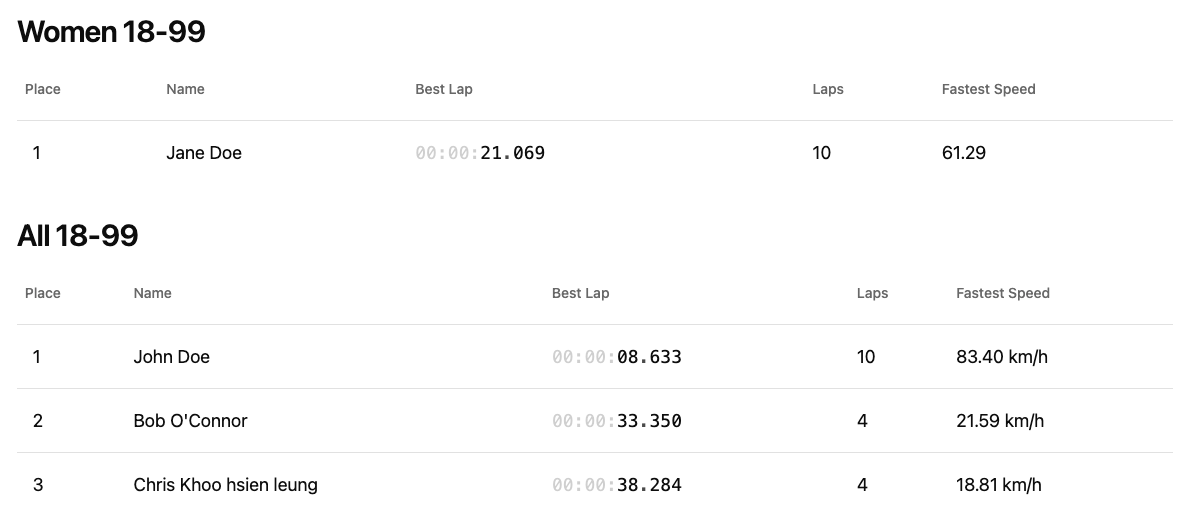
The Table View presenter shows results for all participants grouped by age group which can additionally be set to auto-scroll at slow, medium or fast speeds.
Times
An additional presenter is created for each timing point, this can be used to show the sector time for splits or total lap time for the start / finish.
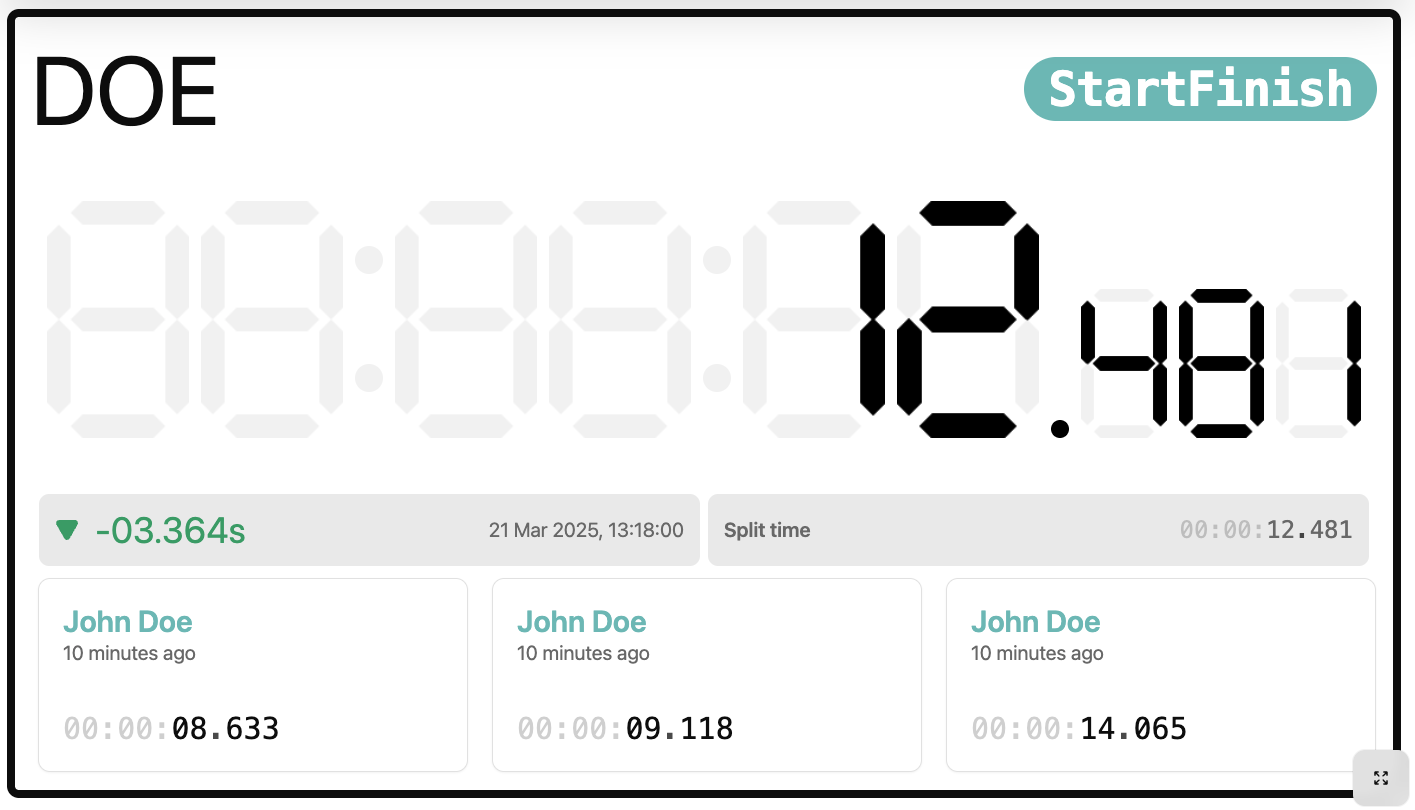
As participants complete their laps the last calculated lap time will be displayed on the screen along with their name, delta from their previous lap.
A list of previously completed splits / laps by all participants is also shown below.